
|
Do it yourself
| |||
| ||||


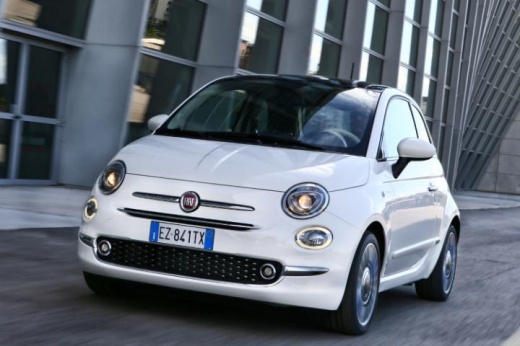
Removing the Dashboard Computer on Fiat 500X
Model: Fiat 500
500 X
- Years:
2014, 2015, 2016, 2017, 2018, 2019, 2020, 2021, 2022
Video tutorial
For safety, disconnect the ignition key and remove the battery, especially if you are not an experienced mechanic. First, remove the central plastic trim of the dashboard by opening the glove compartment and prying it off sideways with a plastic lever (not metal!). Once the first clips have "popped out", insert your fingers and detach the plastic. Disconnect the two connectors. Unscrew the two central T20 Torx screws, then manually remove the computer's frame. Unscrew the two small 6 mm pins that you will reuse in the new radio. Unscrew the other four Torx screws that secure the computer and remove it.
Updated on 4 May 2026 by ScegliAuto
Related tutorials
Fiat 500
(2014-2022 /
500 X)
To use the on-board computer of the Fiat 500X, navigate through the menu using the directional arrows and the OK button located on the left side of t…

Fiat 500
(2014-2022 /
500 X)
In this tutorial, see how to reset the on-board computer in a Fiat 500X, a very simple and quick operation, for example, as a troubleshooting attempt…

Fiat 500
(2014-2022 /
500 X)
In today's video, you will learn how to emergency start the Fiat 500X. This procedure is specifically for models equipped with keyless entry, meaning…
Other guides you may be interested in
|
Frequently Asked QuestionsHow to open the bonnet on a Volkswagen Golf?
In this tutorial, you will see how to open the bonnet on a Volkswagen Golf MK4. This is a very simple operation that follows the standard procedure. First, open the driver's door, then locate the lever in the lower left area and pull it. Next, move to the front of the vehicle, lift the bonnet slightly, and find the second lever located just above the Volkswagen logo. At this point, simply pull it towards you, fully open the bonnet, and secure it with the prop rod. To close it, gently push it down. by ScegliAuto More videos
|
|
For advertising on this site Write to info@scegliauto.com
ScegliAuto is not responsible for any inaccuracy of the data in the lists. To report any inaccuracy or your business (if you own the business in question), please write to info@scegliauto.com
Number of seconds to generate the page: 0.144
(c) ScegliAuto 2026 - info@scegliauto.com - Privacy policy VAT number: IT01247470535 |
