
|
Do it yourself
| |||
| ||||


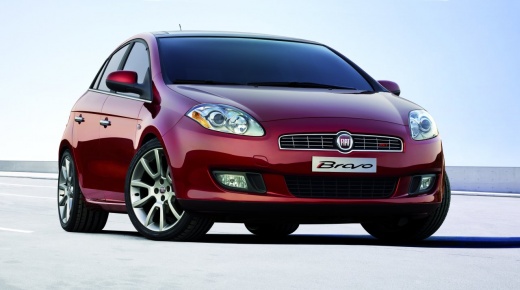
How to Reset the "Service" Light on a Fiat Bravo
Model: Fiat Bravo
Bravo 2
- Years 2007-2014
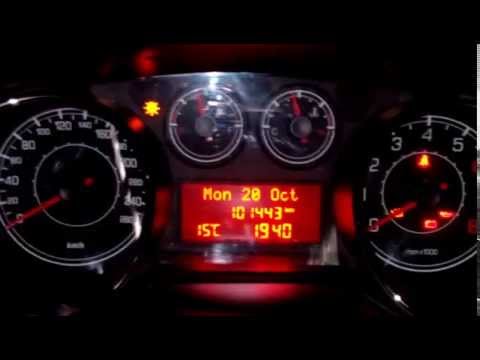
Before starting, sit in the driver's seat of your Fiat Bravo. Begin by turning the ignition key to position one to activate the instrument panel. Next, open the car's internal menu by pressing the "MODE" button. Proceed to select the "Service" option. At this point, select reset and confirm it by pressing the "Mode" button. Once you complete this last step, the "Service" light will turn off automatically, and you will have successfully reset it.
Updated on 5 May 2026 by ScegliAuto
Video tutorial
Related tutorials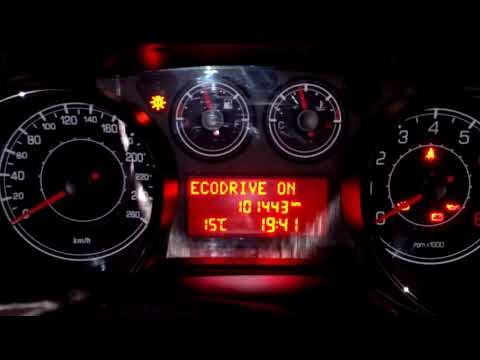
Fiat Bravo
(2007-2014 /
Bravo 2)
Before starting, sit in the driver's seat of your Fiat Bravo 1.4. Activate the instrument cluster by turning the key in the ignition switch. Next, re…
Fiat Bravo
(2007-2014 /
Bravo 2)
Before you begin, sit in the driver's seat of your Fiat Bravo. Start by activating the instrument cluster by turning the key in the ignition switch. …
Fiat Bravo
(2007-2014 /
Bravo 2)
Before you begin, sit in the driver's seat of your Fiat Bravo. Start by activating the instrument panel by turning the ignition key to position one. …
Other guides you may be interested in
|
How to Bleed the Clutch on a Renault Clio?
To bleed the clutch on a Renault Clio, open the bonnet to access the components located in the engine bay: here, you will need to undo the screws that secure the battery in its housing, the intake manifold, and the coolant reservoir. This will allow you to locate the pipe through which the brake fluid flows: by inserting the other end of the pipe into a container, you can press the clutch pedal to expel all the fluid until it fills the container. by ScegliAuto More videos
|
For advertising on this site Write to info@scegliauto.com
ScegliAuto is not responsible for any inaccuracy of the data in the lists. To report any inaccuracy or your business (if you own the business in question), please write to info@scegliauto.com
Number of seconds to generate the page: 0.510
(c) ScegliAuto 2026 - info@scegliauto.com - Privacy policy VAT number: IT01247470535 |
