
|
Do it yourself
| |||
| ||||


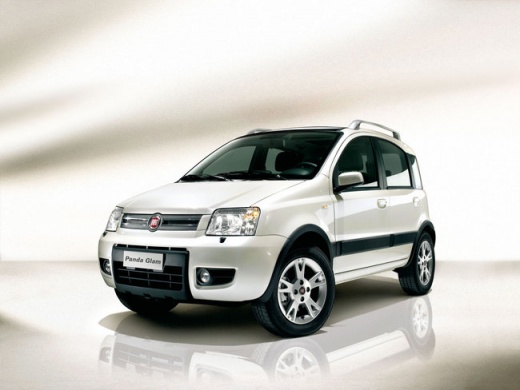
Replacement of the Timing Chain Kit on the Fiat Panda 1.3 Multijet
Model: Fiat Panda
169, MK 2
- Years:
2003, 2004, 2005, 2006, 2007, 2008, 2009, 2010, 2011, 2012
This video is currently unavailable
Noise or even breakage of the timing chain in Fiat 1.3 Multijet engines is a fairly common defect, especially if maintenance is neglected; to carry out this repair, you must first have the appropriate engine and camshaft locking kit to maintain timing; start by draining the engine oil and removing the oil sump; then remove the auxiliary belt, the crankshaft pulley, and the side engine support to remove the timing cover; once the timing tools are in place, proceed with the disassembly and replacement of the kit components, then reassemble all parts and refill the engine with new oil.
Updated on 28 May 2026 by ScegliAuto
Related tutorials
Fiat Panda
(2003-2012 /
169, MK 2)
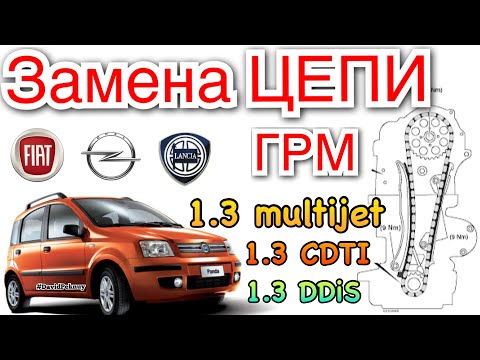
Replacing the timing chain on this vehicle is not exactly a DIY task, as it is quite complex. In this video and description, we will outline the fund…
Fiat Panda
(2003-2012 /
169, MK 2)
To replace the timing chain on the Fiat Panda 1.3 Multijet, open the bonnet and remove the left side cover of the engine block, under which the timin…

Fiat Panda
(2003-2012 /
169, MK 2)
How do you unscrew the collar of the fuel filter on a Fiat Panda MultiJet without the proper tools, namely the removal key for the filter? If you are…
Other guides you may be interested in
|
How to Set the Time in an Audi A4?
In this tutorial, you will see how to set the time in an Audi A4, a very simple and quick operation to perform after replacing the battery or when the time changes. First, insert the key and turn on the instrument cluster. Then, press the "SETUP" button located on the center console. Next, press the upper left arrow button, navigate to the "Time" option, and use the central knob to adjust the clock. Finally, set any necessary formats and save by returning to the main screen. by ScegliAuto More videos
|
|
For advertising on this site Write to info@scegliauto.com
ScegliAuto is not responsible for any inaccuracy of the data in the lists. To report any inaccuracy or your business (if you own the business in question), please write to info@scegliauto.com
Number of seconds to generate the page: 0.065
(c) ScegliAuto 2026 - info@scegliauto.com - Privacy policy VAT number: IT01247470535 |
