
|
Do it yourself
| |||
| ||||


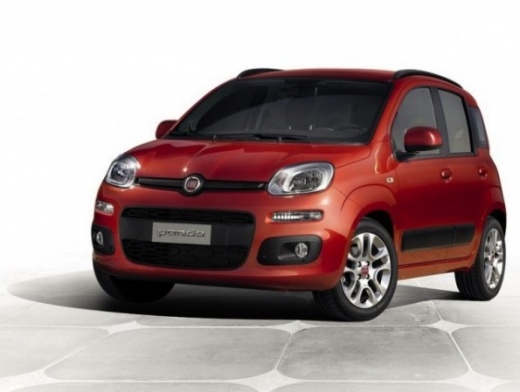
How to connect your mobile phone to a Fiat Panda
Model: Fiat Panda
- Years:
2012, 2013, 2014, 2015, 2016, 2017, 2018, 2019, 2020, 2021
Video tutorial
In this video tutorial, you can see how to connect your mobile phone to a Fiat Panda via Bluetooth. First, get into your vehicle and sit in the driver's seat. Click the button located to the right of the steering wheel to enter the MENU function, and messages will appear on the onboard computer. Using the dial on the right side of the steering wheel, select settings, then click and go to registration (ensure the PIN matches the one displayed on your phone); on your mobile's Bluetooth settings, search for radio devices and click to select. At this point, you will see the PIN that must match the one shown on the onboard computer. You have now connected your mobile phone to the vehicle and can use all the functions.
Updated on 20 June 2026 by ScegliAuto
Related tutorials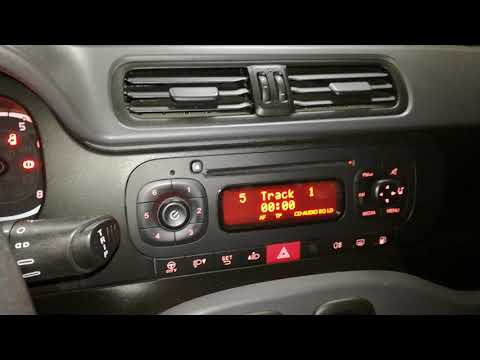
Fiat Panda
(2012-2026 /
319, MK 3)
To connect a mobile phone to a Fiat Panda, first obtain a USB cable. Connect one end of the USB cable to the phone and the other end to the USB port …
Fiat Panda
(2012-2026 /
319, MK 3)
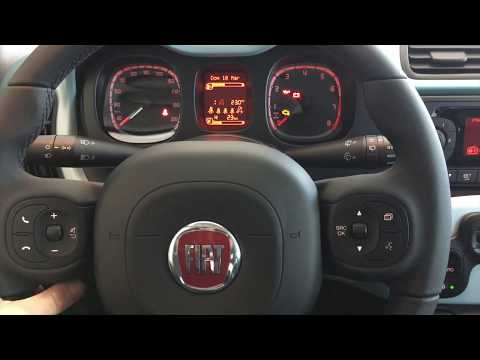
How do you connect your mobile phone to your Fiat Panda via Bluetooth? Follow these steps to connect your device. Turn on the ignition with the key, …
Fiat Panda
(2012-2026 /
319, MK 3)
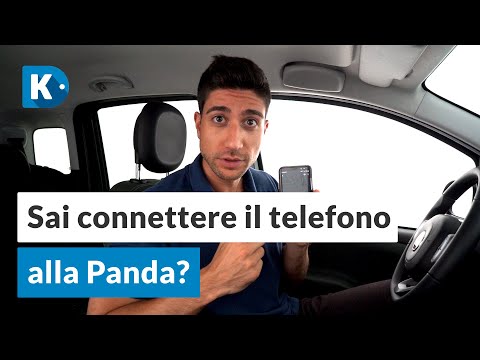
In this simple and quick video tutorial, you will learn how to connect your smartphone to a Fiat Panda. Get inside the vehicle and turn on the igniti…
Other guides you may be interested in
|
How to open the boot if it is stuck on a Mercedes B-Class?
On the Mercedes B-Class, the boot may become stuck, possibly due to a problem with the control button or the lock actuator. In this case, perform the emergency opening by following the simple procedure shown in this tutorial. First, unlock the locks with the remote control, then open the rear doors and, by operating the indicated lever, lower the backrest of the seat. Next, go inside the boot, locate the indicated gap, and manually unlock the lock using a small screwdriver. by ScegliAuto More videos
|
|
For advertising on this site Write to info@scegliauto.com
ScegliAuto is not responsible for any inaccuracy of the data in the lists. To report any inaccuracy or your business (if you own the business in question), please write to info@scegliauto.com
Number of seconds to generate the page: 0.060
(c) ScegliAuto 2026 - info@scegliauto.com - Privacy policy VAT number: IT01247470535 |
