
|
Do it yourself
| |||
| ||||


Steering Rack Tie Rod End Replacement
Model: Fiat Punto
MK 2, 188
- Years:
1999, 2000, 2001, 2002, 2003, 2004, 2005, 2006, 2007, 2008, 2009, 2010
Video tutorial
To replace the tie rod end attached to the end of the steering rack, lift the vehicle on a lift and remove the front wheel for better access (though this can be done without removing it); start by loosening the lock nut that holds the tie rod end in place, then unscrew the nut securing the ball joint of the tie rod end to the hub support; use a fork puller to detach the tie rod end and unscrew it from the tie rod, counting the number of turns; screw the new tie rod end on with the same number of turns, secure it to the hub support, and tighten the lock nut; in any case, it is advisable to check the alignment on a bench.
Updated on 21 February 2026 by ScegliAuto
Related tutorials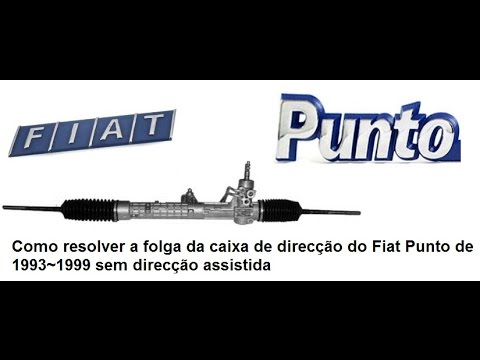
Fiat Punto
(1993-1999 /
MK 1, 176)
It is common for wear in the sliding bush of the steering rack to create play, leading to noise, especially when driving on uneven surfaces. You can …
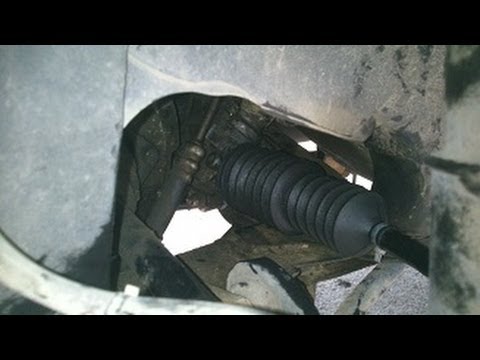
Fiat Punto
(1993-1999 /
MK 1, 176)
If the boot covering the tie rod (or axial joint) of the steering rack fails, it is essential to replace it promptly to prevent dirt and especially w…
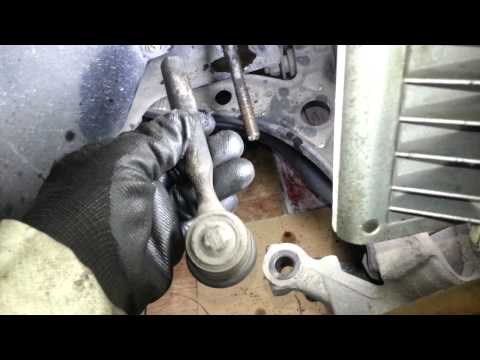
Fiat Punto
(1993-1999 /
MK 1, 176)
To replace the steering rack boot, first remove the tie rod end. This is a very simple operation: unscrew the nut securing the ball joint of the tie …
Other guides you may be interested in |
How to Remove the Toll Tag Holder from the Car Windscreen
The toll tag holder is usually attached to the car windscreen to ensure that the toll tag functions immediately when passing through barriers. However, if you decide to remove the holder, you should follow this procedure: - Insert the toll tag into the holder; - Pull the holder inwards to detach it from the windscreen; you can use a glass scraper or a stiff plastic card to assist you; After removing the holder, it is essential to remove the adhesive from the windscreen. To remove the adhesive, we recommend using a solvent-based spray that will remove the glue without clouding the area. by ScegliAuto More videos
|
|
For advertising on this site Write to info@scegliauto.com
ScegliAuto is not responsible for any inaccuracy of the data in the lists. To report any inaccuracy or your business (if you own the business in question), please write to info@scegliauto.com
Number of seconds to generate the page: 0.023
(c) ScegliAuto 2026 - info@scegliauto.com - Privacy policy VAT number: IT01247470535 |
