
|
Do it yourself
| |||
| ||||


How to remove the car radio from a Ford Focus
Model: Ford Focus
MK 2, Focus 2
- Years 2004-2011
The steps to remove the radio from a Ford Focus mk2 are simple and quick to do independently, thanks also to our short video tutorial. The steps to follow are: -insert small plastic screwdrivers into the two holes at the top and bottom of the left side; -push the screwdrivers to the left to lever them; -insert a plastic tool to maintain the thickness of the opening just formed; -insert the same screwdrivers into the two holes on the right side and push to the right; -remove the radio from its housing; -disconnect the connector and radio antenna; After completing these steps, you can proceed with replacing the radio if necessary.
Posted on 26 August 2024 by ScegliAuto
Video tutorial
Related tutorials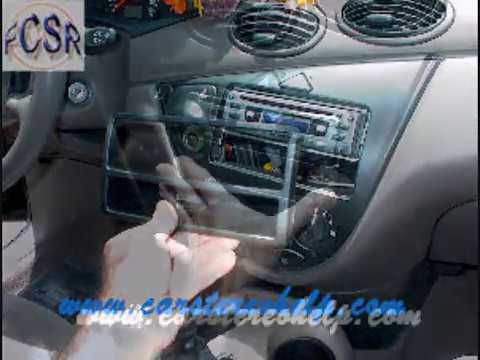
Ford Focus
(1998-2004 /
MK 1)
Learn how to replace the radio in a Ford Focus. To replace the car radio, use the removal keys that come with the radio. Insert the keys into the sid…
Ford Focus
(2004-2011 /
MK 2, Focus 2)
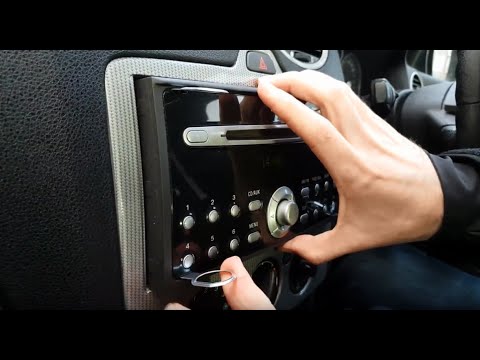
How can you replace the original radio on a Ford Focus? Follow this video closely to perform the disassembly. Use the original or aftermarket metal k…
Ford Focus
(2004-2011 /
MK 2, Focus 2)
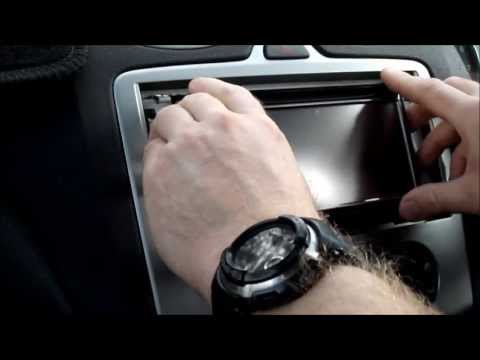
How do you remove the car radio from the Ford Focus? Let's see how to take it out from the central console of the car. Insert the keys into the holes…
Other guides you may be interested in
|
How to Check the Oil Level on a Jeep Renegade?
To check the oil level on a Jeep Renegade, you need to open the bonnet to access the components inside the engine bay: on the lower left side of the engine block, you will find the dipstick for checking the level. This should be pulled out and thoroughly cleaned with a cloth: once cleaned, reinsert it back into its tube and pull it out immediately after. This way, you can check that the oil mark is between the minimum and maximum levels; finally, you can place the dipstick back in its tube. by ScegliAuto More videos
|
|
For advertising on this site Write to info@scegliauto.com
ScegliAuto is not responsible for any inaccuracy of the data in the lists. To report any inaccuracy or your business (if you own the business in question), please write to info@scegliauto.com
Number of seconds to generate the page: 0.596
(c) ScegliAuto 2026 - info@scegliauto.com - Privacy policy VAT number: IT01247470535 |
