
|
Do it yourself
| |||
| ||||


Radio replacement on a Ford F250
Model: Ford F-250
P356
- Years 2008-2010
Thanks to this very useful video guide today you will be able to see how to replace the car radio on a Ford F250, model produced from 2008 to 2010. Let's start by disconnecting the car's battery for safety reasons, then, with the help of a plastic lever, we remove the two masks on the sides of the central console, the one for the cigarette lighter and the one for the Sync system, and disconnect the respective wiring. Once this is done, we unscrew the two screws behind these two masks and, very carefully, remove all the plastic from the central console. At this point, we can unscrew the four screws that secure the car radio and then remove it and replace it with a new one, finally we reassemble everything following the reverse procedure.
Posted on 10 October 2024 by ScegliAuto
Video tutorial
Related tutorials
Ford F-250
(2017-2022 /
P558)
To reset the "Service" light on a Ford F250, start the instrument panel without starting the vehicle. Use the buttons on the steering wheel to naviga…

Ford F-250
(1999-2007 /
Phn131)
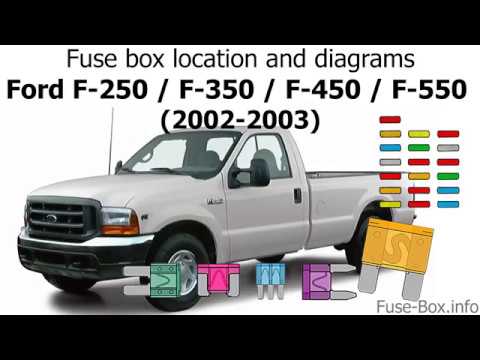
In the video at the bottom of the article, the fuse diagram and the location of the fuse box for the 1999 Ford F250 are shown. You can pause the vide…
Ford F-250
(1999-2007 /
Phn131)
In this video, we see the location of the fuse boxes in the Ford F250 first generation: The cabin fuse box is located in a compartment at the bottom …
Other guides you may be interested in
|
How to Open a Stuck Boot on the Peugeot 407?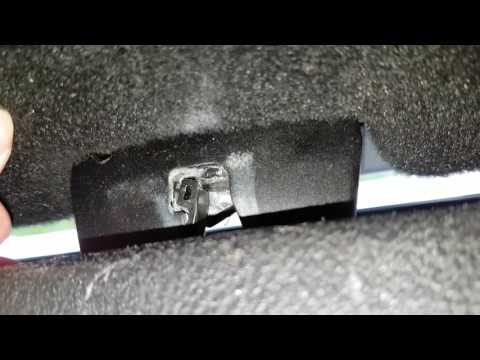
On the Peugeot 407, the boot may become stuck, possibly due to a problem with the control button or the lock actuator. In such cases, you can perform an emergency opening by following the simple procedure shown in this tutorial. First, open the rear doors, then lower the seat back by operating the release lever. Next, go inside the boot, locate the lock, and manually operate it using a flathead screwdriver. The boot will then be free to open. by ScegliAuto More videos
|
|
For advertising on this site Write to info@scegliauto.com
ScegliAuto is not responsible for any inaccuracy of the data in the lists. To report any inaccuracy or your business (if you own the business in question), please write to info@scegliauto.com
Number of seconds to generate the page: 0.195
(c) ScegliAuto 2026 - info@scegliauto.com - Privacy policy VAT number: IT01247470535 |
