
|
Do it yourself
| |||
| ||||


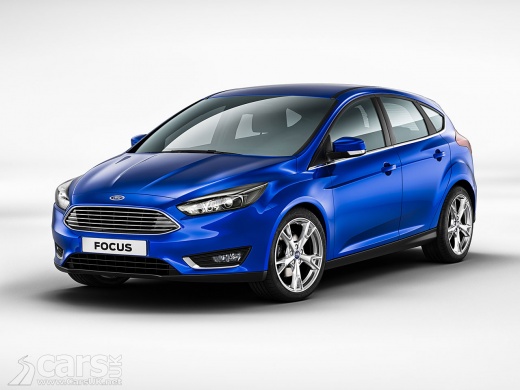
How to replace the diesel filter of the Ford Focus ST 2.0 TDCi
Model: Ford Focus
MK 3
- Years:
2011, 2012, 2013, 2014, 2015, 2016, 2017, 2018
Video tutorial
Today's step-by-step instructions will guide us through the process of disassembling and replacing the diesel fuel filter of the Ford Focus ST 2.0 TDCi. First, we open the hood of the car and begin to remove the plastic engine cover; once we locate the diesel fuel filter, we can proceed to disconnect the pipes and the electrical connector, as shown in the video. At this point, we remove the filter cartridge and replace it with the new one, as well as the original one; we reassemble the diesel fuel filter and make all the connections!
Posted on 20 May 2025 by ScegliAuto
Related tutorials
Ford Focus
(2011-2018 /
MK 3)
In this tutorial, you will see how to replace the fuel filter on the Ford Focus 1.6 TDCi, a very simple and quick operation. First, wait until the en…

Ford Focus
(2004-2011 /
MK 2, Focus 2)
The following steps will show you how to remove and replace the diesel filter of the Ford Focus 1.6 TDCi. First, open the bonnet of the vehicle and b…
Ford Focus
(2011-2018 /
MK 3)
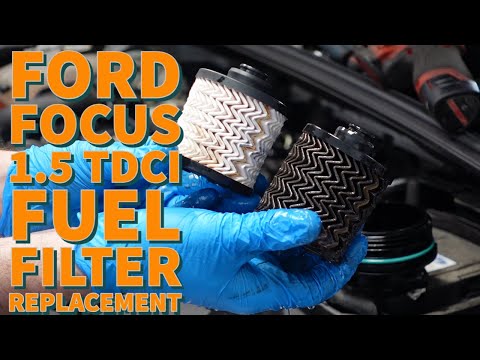
This guide briefly explains the steps to remove and replace the fuel filter on a Ford Focus 1.5 TDCI. First, open the engine bonnet and locate the fu…
Other guides you may be interested in
|
How to Activate the Disabled TRC on the Toyota Yaris?
As the video clearly shows, disabling or activating the traction control (TRC or ESP) on the Toyota Yaris is very simple. By default, the traction system activates every time the vehicle is started. To disable it, simply press the button depicting a skidding car located in the centre of the vehicle where the controls are, such as the hazard lights and the radio, but near the handbrake. Once disabled, the TRC off light will illuminate on the dashboard. To reactivate it, just press the same button again. by ScegliAuto More videos
|
|
For advertising on this site Write to info@scegliauto.com
ScegliAuto is not responsible for any inaccuracy of the data in the lists. To report any inaccuracy or your business (if you own the business in question), please write to info@scegliauto.com
Number of seconds to generate the page: 0.027
(c) ScegliAuto 2026 - info@scegliauto.com - Privacy policy VAT number: IT01247470535 |
