
|
Do it yourself
| |||
| ||||


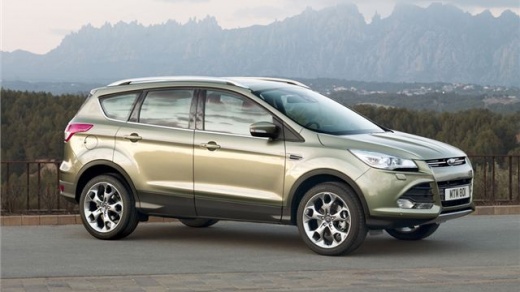
How do you delete the service reminder message in the Ford Kuga?
Model: Ford Kuga
C520, MK 2
- Years 2012-2019
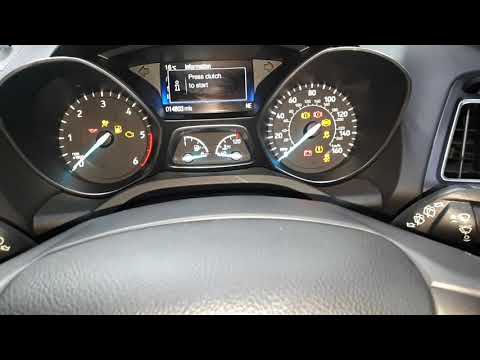
The notice composed of a message on the small display, located centrally in the instrument panel of the Ford Kuga, referring to the Service, or the expiration of the service, must be reset at the end of the maintenance, oil change, filters, distribution, brakes, and more. If we do the work ourselves, we must follow a specific sequence for this to happen, described as follows: Turn on the instrument panel, simultaneously press the brake and accelerator pedals, wait fifteen seconds and release them as soon as we receive confirmation, on the aforementioned display, of the reset having taken place.
Posted on 7 July 2025 by ScegliAuto
Video tutorial
Related tutorials
Ford Kuga
(2008-2012 /
C394, MK 1)
Just like for Ford Focus vehicles, performing a reset on a Ford Kuga is a rather simple and quick operation as it follows the same steps. In fact, to…

Ford Kuga
(2012-2019 /
C520, MK 2)
The activation of the service light on the 2017 Ford Kuga, like other vehicles, occurs when the regular service, oil, filters, and other maintenance …
Ford Kuga
(2012-2019 /
C520, MK 2)
In today's tutorial, discover how to reset the expired service warning on the second generation Ford Kuga; this video also applies to other contempor…
Other guides you may be interested in
|
How to Replace the Cabin Filter on the Opel Grandland X
If you own an Opel Grandland X and want to know the steps to replace the cabin air filter, carefully read the following guide and follow the described steps. First, enter the vehicle and go to the passenger side. Then, locate the box containing the air filter in the lower side area of the dashboard. Remove the cover of the box and finally replace the old filter with the new one. Refit the cover, and you are done. by ScegliAuto More videos
|
|
For advertising on this site Write to info@scegliauto.com
ScegliAuto is not responsible for any inaccuracy of the data in the lists. To report any inaccuracy or your business (if you own the business in question), please write to info@scegliauto.com
Number of seconds to generate the page: 0.080
(c) ScegliAuto 2026 - info@scegliauto.com - Privacy policy VAT number: IT01247470535 |
