
|
Do it yourself
| |||
| ||||


How to Remove the Battery
Model: Ford Focus
MK 1
- Years 1998-2004
Open the front bonnet and ensure it is securely supported: the battery is located on the front right (when facing the engine) just behind the headlamp.
Remove the plastic cover above the battery by simply pulling it upwards after unfastening the anchoring tab located at the bottom right; loosen the fixing nuts of the terminals connected to the battery poles until they can be removed. Unscrew the fixing bolt of the battery support strap and remove the battery from its location.
Updated on 3 February 2026 by ScegliAuto
Video tutorial
Related tutorials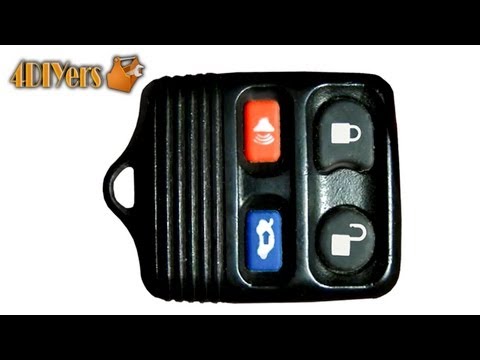
Ford Focus
(1998-2004 /
MK 1)
If pressing the lock and unlock buttons does nothing, it is likely that the remote battery is flat: to replace it, open the remote to access the batt…

Ford Focus
(2004-2011 /
MK 2, Focus 2)
To replace the battery on a Ford Focus, open the bonnet and remove any obstructing parts that prevent access to the battery, such as the air filter b…

Ford Focus
(2011-2018 /
MK 3)
To change the keyless remote battery on a Ford Focus, start by taking a small screwdriver and prying upwards in the slot on the side of the remote. L…
Other guides you may be interested in
|
How to Open the Bonnet of a Renault Megane if the Lever is Broken?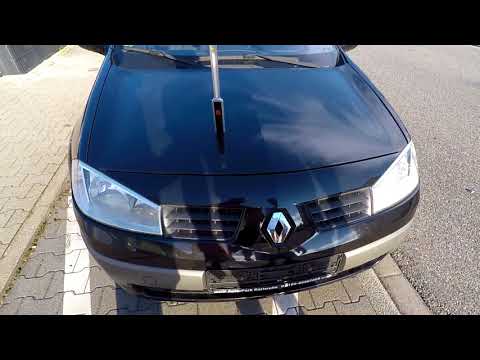
If the lever that unlocks the bonnet of the Renault Megane is broken or not functioning, there is an emergency procedure to unlock the mechanism: remove the right front grille located at the top of the bumper. Once the grille is removed, you can locate the actuator mechanism: by pulling the spring in this position, you can unlock the actuator, allowing you to lift the bonnet and access the components located inside the engine compartment. You can then close the bonnet simply by lowering it. by ScegliAuto More videos
|
|
For advertising on this site Write to info@scegliauto.com
ScegliAuto is not responsible for any inaccuracy of the data in the lists. To report any inaccuracy or your business (if you own the business in question), please write to info@scegliauto.com
Number of seconds to generate the page: 0.909
(c) ScegliAuto 2026 - info@scegliauto.com - Privacy policy VAT number: IT01247470535 |
