
|
Do it yourself
| |||
| ||||


How to Reset the Oil Light on a Ford Transit MK8
Model: Ford Transit
MK 8
- Years 2014-2024
Let's see how to reset the service light on a Ford Transit MK8: turn on the ignition and using the arrow buttons on the steering wheel, scroll through the options on the display until you see the van icon. Confirm with "OK" (in the centre of the arrows). Scroll again until you reach the "vehicle maintenance" option and confirm. Inside the submenu, you will find "oil life" which will show the percentage of remaining oil life and the option to "reset oil life". The screen will instruct you to hold "OK" and do so for a few seconds. The percentage will return to 100%. Turn off the vehicle, wait a moment, and then turn it back on. The operation is complete.
Posted on 6 April 2026 by ScegliAuto
Video tutorial
Related tutorials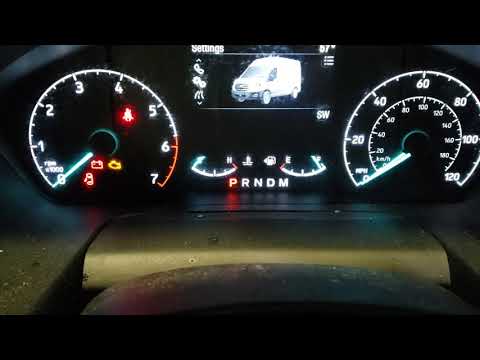
Ford Transit
(2014-2024 /
MK 8)
To reset the oil light on a Ford Transit, turn on the ignition and navigate to the menu that appears on the display using the controls on the right s…
Ford Transit
(2014-2024 /
MK 8)
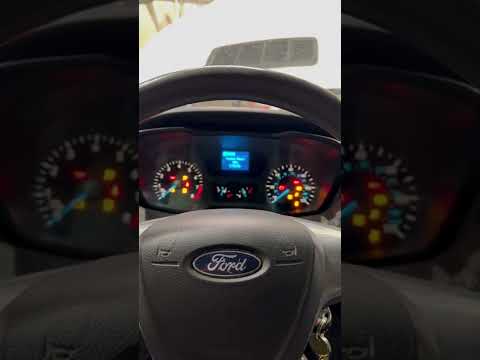
In this new guide dedicated to your Ford Transit Mk8, discover how to reset the oil light without using any professional tools. The entire procedure …
Ford Transit
(2014-2024 /
MK 8)
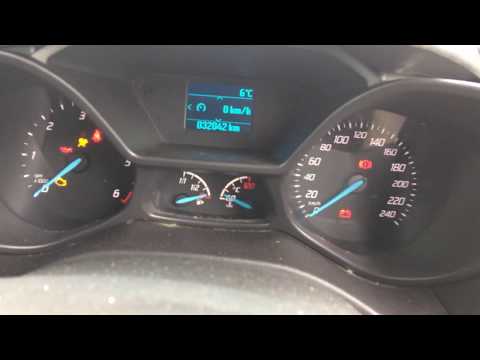
On the Ford Transit Connect van, resetting the oil change light is very simple. Follow these steps. This procedure should only be followed after chan…
Other guides you may be interested in
|
How to replace the horn on a Renault Duster - Dacia Duster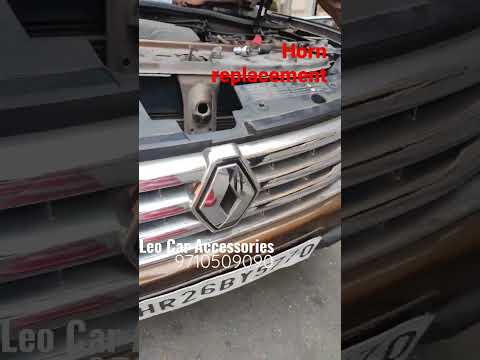
Today's main instructions will show you the procedure for removing and replacing the horn or sound signal on the Renault Duster, as well as the Dacia Duster. First, open the bonnet of the vehicle and start removing the front bumper by unscrewing all the fixing screws; you will find the horn right in front of the radiator, as shown in the video. At this point, disconnect the electrical connector and unscrew the bracket screw to remove and replace the horn with the new one; finally, reassemble the front bumper! by ScegliAuto More videos
|
|
For advertising on this site Write to info@scegliauto.com
ScegliAuto is not responsible for any inaccuracy of the data in the lists. To report any inaccuracy or your business (if you own the business in question), please write to info@scegliauto.com
Number of seconds to generate the page: 0.085
(c) ScegliAuto 2026 - info@scegliauto.com - Privacy policy VAT number: IT01247470535 |
