
|
Do it yourself
| |||
| ||||


Removing the Radio from a Ford Fiesta
Model: Ford Fiesta
Fiesta 5, MK 5, MK V
- Years 2002-2008
Want to remove the radio from your Ford Fiesta but don’t know how? Here’s how to remove the original stereo. Remove the stereo trim using a plastic lever (unscrew the securing screws located in the glove compartment and under the steering wheel) and detach it from the centre console. Once the stereo is free from the trims, use a screwdriver to unscrew the securing screws on either side. Pull out the stereo and disconnect the cables (power and antenna). To reassemble, reverse the disassembly steps.
Updated on 11 March 2026 by ScegliAuto
Video tutorial
Related tutorials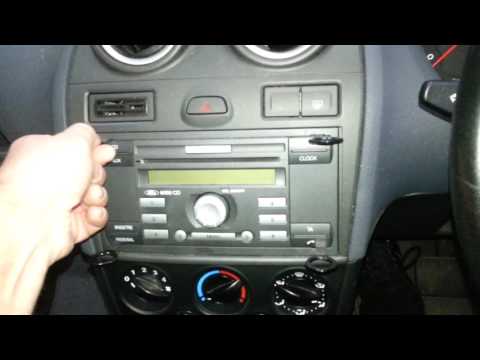
Ford Fiesta
(2002-2008 /
Fiesta 5, MK 5, MK V)
How to remove the radio from a Ford Fiesta? Use original removal keys for the radio. Insert the keys into the holes on the plastic cover of the radio…
Ford Fiesta
(1996-2002 /
Fiesta 4, Be91, MK 4, MK IV)
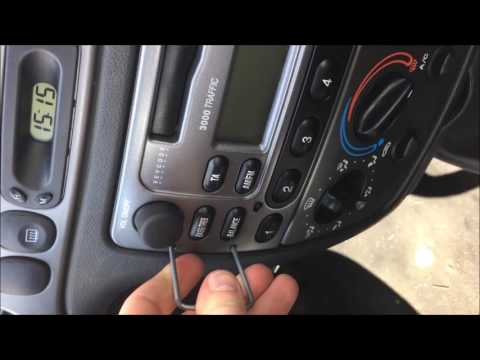
How to remove the original stereo from your Ford Fiesta? Follow these guidelines carefully in the video. Use the original or aftermarket metal keys t…
Ford Fiesta
(2002-2008 /
Fiesta 5, MK 5, MK V)
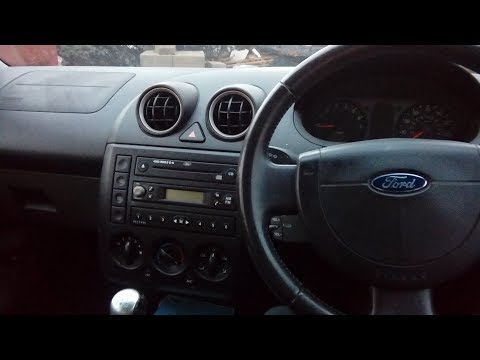
Is the radio in your Ford Fiesta damaged? Here’s how to remove it. Remove the stereo trim with a plastic lever (where the radio controls are) from th…
Other guides you may be interested in
|
Frequently Asked QuestionsHow to Open the Bonnet on the Lancia Y
To open the bonnet on this vehicle, follow these simple instructions: first, open the driver's door and locate the lever positioned just below the dashboard, marked with an image of the vehicle with the bonnet open. Pull this lever towards you until you hear a "click" indicating the bonnet is released. Next, exit the cabin and stand in front of the bonnet to disengage the safety catch and complete the opening. To do this, slightly lift the bonnet, locate the yellow lever underneath, and pull it to the left to fully release and open the bonnet. by ScegliAuto More videos
|
|
For advertising on this site Write to info@scegliauto.com
ScegliAuto is not responsible for any inaccuracy of the data in the lists. To report any inaccuracy or your business (if you own the business in question), please write to info@scegliauto.com
Number of seconds to generate the page: 0.074
(c) ScegliAuto 2026 - info@scegliauto.com - Privacy policy VAT number: IT01247470535 |
