
|
Do it yourself
| |||
| ||||


How to Remove the Instrument Cluster of a Ford Fiesta
Model: Ford Fiesta
Fiesta 6, MK 6, MK VI
- Years 2008-2017
Before you start, sit in the driver's seat of your Ford Fiesta. Begin by disengaging and removing the cover located on the upper side of the instrument cluster. Next, unscrew and remove the screws underneath that secure the instrument cluster to the dashboard. This will free the instrument cluster. At this point, pull the instrument cluster out from the dashboard. Once you have extracted the instrument cluster, disconnect the rear electrical connector, then remove the instrument cluster, and the disassembly will be complete.
Updated on 20 April 2026 by ScegliAuto
Video tutorial
Related tutorials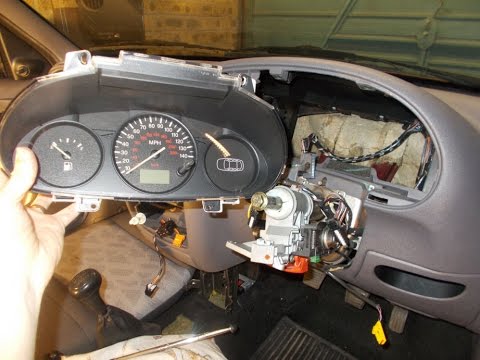
Ford Fiesta
(1996-2002 /
Fiesta 4, Be91, MK 4, MK IV)
Removing the instrument cluster on a Ford Fiesta? Let’s see how to disassemble the instrumentation. Remove the steering trim frame with a plastic lev…
Ford Fiesta
(2002-2008 /
Fiesta 5, MK 5, MK V)
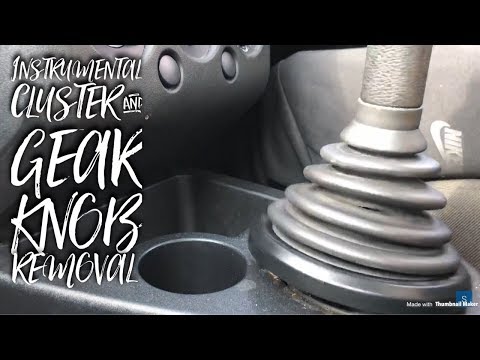
Before you start, sit in the driver's seat of your Ford Fiesta. Begin by lowering the steering wheel completely using the lever located on the unders…

Ford Fiesta
(2008-2017 /
Fiesta 6, MK 6, MK VI)
The service light on a Ford Fiesta can be reset from the instrument cluster by pressing the brake and accelerator pedals simultaneously. While holdin…
Other guides you may be interested in
|
How to replace the horn on a Renault Duster - Dacia Duster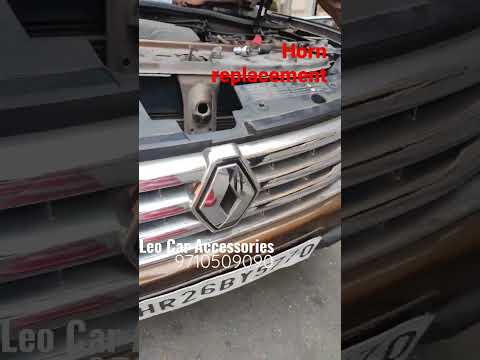
Today's main instructions will show you the procedure for removing and replacing the horn or sound signal on the Renault Duster, as well as the Dacia Duster. First, open the bonnet of the vehicle and start removing the front bumper by unscrewing all the fixing screws; you will find the horn right in front of the radiator, as shown in the video. At this point, disconnect the electrical connector and unscrew the bracket screw to remove and replace the horn with the new one; finally, reassemble the front bumper! by ScegliAuto More videos
|
For advertising on this site Write to info@scegliauto.com
ScegliAuto is not responsible for any inaccuracy of the data in the lists. To report any inaccuracy or your business (if you own the business in question), please write to info@scegliauto.com
Number of seconds to generate the page: 0.226
(c) ScegliAuto 2026 - info@scegliauto.com - Privacy policy VAT number: IT01247470535 |
