
|
Do it yourself
| |||
| ||||


How to Set the Time and Date on the Ford 6000 CD Radio
Model: Ford Ford Various
In today's video, we will see how to set the time and date on the Ford 6000 CD radio from the early 2000s (Fiesta, Focus, Mondeo, etc.). Get in the car and turn on the ignition. Now, press and hold the menu button on the radio; navigate within by pressing the same button until you find the corresponding option. Set the hour using the central dial, then move with the arrow and set the minutes as well. Now, in the same way, set the date and confirm by pressing the menu button. Operation completed. As we have seen, this was a simple and quick task.
Updated on 8 May 2026 by ScegliAuto
Video tutorial
Related tutorials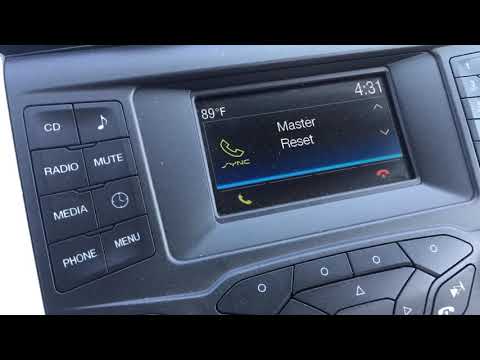
Ford Ford Various
To reset the Sync 3 on a Ford car radio, you need to turn on the instrument panel and consequently the radio, then press the PHONE button. After this…
Ford Ford Various
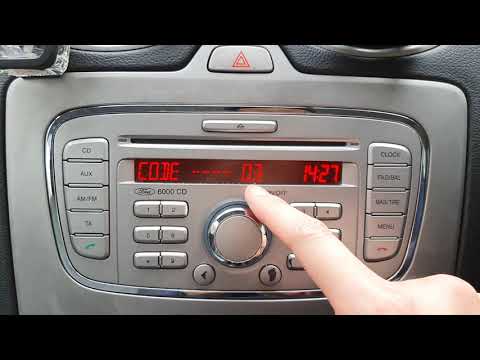
In this tutorial, see how to enter the unlock code in a Ford 6000 CD radio, a very simple and quick operation that must be done after disconnecting t…
Ford Ford Various
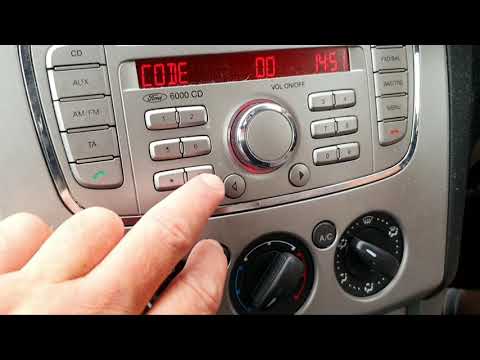
In today's video, we will see how to unlock the CD 6000 radio, fitted to Ford vehicles from the mid-2000s. First, turn on the ignition of your car. P…
Other guides you may be interested in |
How to Check the Oil Level on a Jeep Renegade?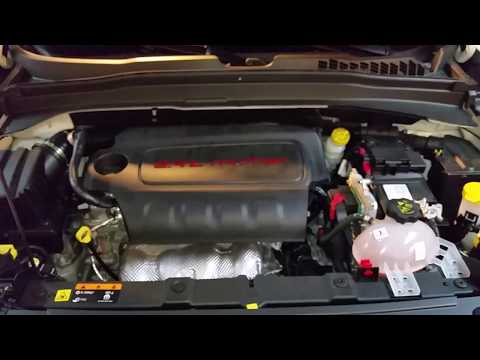
To check the oil level on a Jeep Renegade, you need to open the bonnet to access the components inside the engine bay: on the lower left side of the engine block, you will find the dipstick for checking the level. This should be pulled out and thoroughly cleaned with a cloth: once cleaned, reinsert it back into its tube and pull it out immediately after. This way, you can check that the oil mark is between the minimum and maximum levels; finally, you can place the dipstick back in its tube. by ScegliAuto More videos
|
|
For advertising on this site Write to info@scegliauto.com
ScegliAuto is not responsible for any inaccuracy of the data in the lists. To report any inaccuracy or your business (if you own the business in question), please write to info@scegliauto.com
Number of seconds to generate the page: 0.613
(c) ScegliAuto 2026 - info@scegliauto.com - Privacy policy VAT number: IT01247470535 |
