
|
Do it yourself
| |||
| ||||


How to Reset the Sync 2 System in the Ford C-Max?
Model: Ford C Max
MK 2
- Years 2010-2019
In this tutorial, you will see how to reset the Sync 2 multimedia system in the Ford C-Max, a very simple and quick operation to follow if it shows signs of malfunction, such as freezing or continuous reboots. First, ensure that the car is turned off, then remove the panel located under the passenger glove compartment by unscrewing the two fasteners. At this point, using a pair of pliers, extract fuse F79, which is related to the radio, wait at least 15 seconds, and then reinsert it. Finally, turn on the ignition and check that the procedure has been successful.
Updated on 10 May 2026 by ScegliAuto
Video tutorial
Related tutorials
Ford C Max
(2010-2019 /
MK 2)
Let's see where the Bluetooth module is located inside the Ford C-Max MK2: this module within the Ford world is called SYNC, and it is the infotainme…

Ford C Max
(2010-2019 /
MK 2)
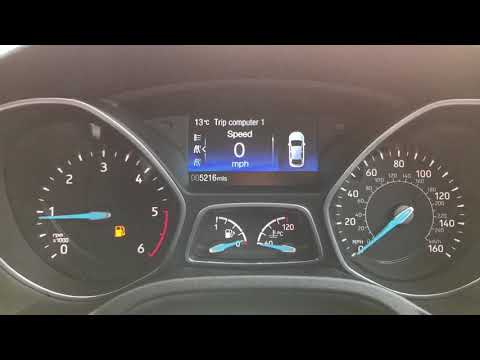
In this tutorial, you will see how to reset the on-board computer in the Ford C-MAX, a very simple and quick operation, which can be done as a troubl…
Ford C Max
(2010-2019 /
MK 2)
In today's video, we will see how the start & stop system works on the Ford C-Max. Firstly, for the system to function, the engine coolant must be at…
Other guides you may be interested in
|
How to reset the tyre pressure warning light on the Suzuki Jimny?
To reset the tyre pressure warning light on the Suzuki Jimny, first inflate the tyres to the pressure value indicated on the corresponding sticker: this is located at the bottom of the driver's door pillar. Once the tyres are inflated, insert the ignition key and turn on the instrument panel: select the screen that indicates the tyre pressures, checking that the values change. After a few seconds, the tyre pressure warning light will automatically turn off. by ScegliAuto More videos
|
|
For advertising on this site Write to info@scegliauto.com
ScegliAuto is not responsible for any inaccuracy of the data in the lists. To report any inaccuracy or your business (if you own the business in question), please write to info@scegliauto.com
Number of seconds to generate the page: 0.270
(c) ScegliAuto 2026 - info@scegliauto.com - Privacy policy VAT number: IT01247470535 |
