
|
Do it yourself
| |||
| ||||


Video tutorial
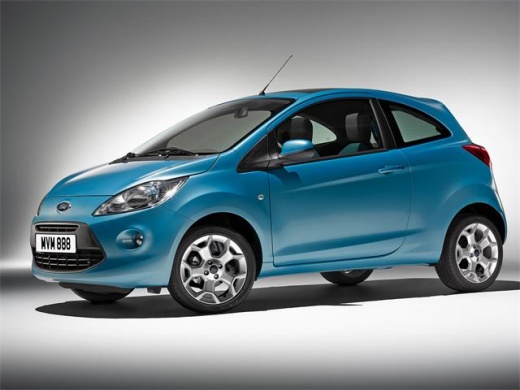
This guide shows how to replace the headlight bulbs on a Ford Ka Mk2. First, remove the three Torx T10 screws securing the headlight, two at the upper ends and one in the centre. At this point, the light unit is completely detached from the body and can be removed; take care with the electrical connector. Next, after disconnecting the bulb holder cap, extract the holder and replace the bulb. Then reconnect the connector and check that the headlight functions correctly. Refit everything in position.
Updated on 4 June 2026 by ScegliAuto
Related tutorials
Ford Ka
(2016-2019 /
MK 3)
In this tutorial, you will see how to replace the headlight bulbs on the Ford Ka, a very simple and quick operation. First, ensure that the key is no…
Ford Ka
(1996-2008 /
MK 1)
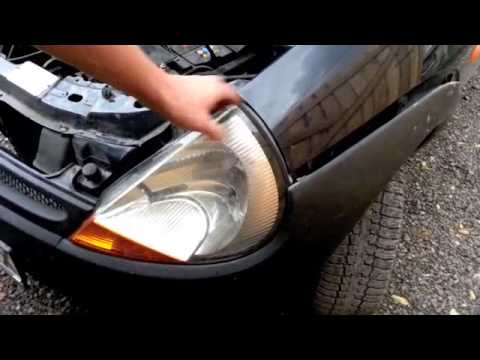
Before you start, open the front bonnet of your Ford Ka. Begin by unclipping and slightly moving the front wing near the headlight. Next, unscrew and…

Ford Ka
(2008-2016 /
MK 2)
The vehicle shown in the video below is indeed a Ford Ka, and we will now explain how to disassemble and replace the front headlight. It is quite sim…
Other guides you may be interested in
|
How to Reset the Tyre Light on a Toyota Aygo?
To reset the tyre light on a Toyota Aygo, start by locating the reset button, which is found in the glove compartment of the front passenger side. Turn on the car and ensure that the tyres are at the correct pressure. Then, press and hold the reset button for a few seconds until the tyre light either flashes or turns off, depending on the model. Release the button and wait for the reset procedure to complete. Restart your Toyota Aygo and check if the tyre light has turned off, indicating that the reset was successful. by ScegliAuto More videos
|
|
For advertising on this site Write to info@scegliauto.com
ScegliAuto is not responsible for any inaccuracy of the data in the lists. To report any inaccuracy or your business (if you own the business in question), please write to info@scegliauto.com
Number of seconds to generate the page: 0.084
(c) ScegliAuto 2026 - info@scegliauto.com - Privacy policy VAT number: IT01247470535 |
