
|
Do it yourself
| |||
| ||||


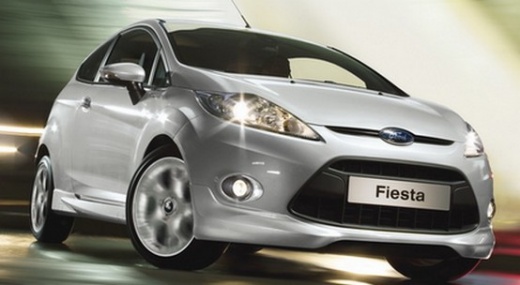
How to Reset the Oil Warning Light on a Ford Fiesta Mk6
Model: Ford Fiesta
Fiesta 6, MK VI, MK 6
- Years:
2008, 2009, 2010, 2011, 2012, 2013, 2014, 2015, 2016, 2017
Video tutorial
This brief video tutorial demonstrates how to reset the service light on a sixth generation Ford Fiesta, produced from 2008 to 2017. The operation is very simple; before starting the vehicle, press and hold the brake and accelerator pedals simultaneously. Once done, turn on the instrument cluster without starting the engine. Now, wait with the pedals pressed for about fifteen to twenty seconds until the service light disappears. Finally, turn off and restart the vehicle to verify the reset.
Updated on 18 June 2026 by ScegliAuto
Related tutorials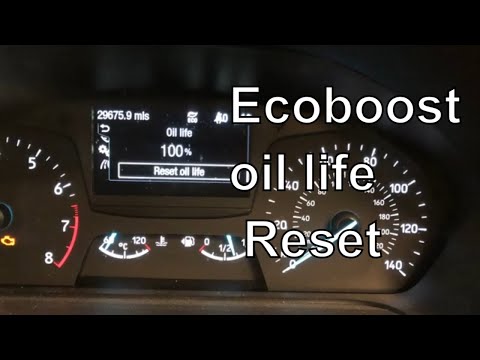
Ford Fiesta
(2008-2017 /
Fiesta 6, MK VI, MK 6)
In this mini guide for your Ford Fiesta Mk6 (2008-2017), we will discover the steps to manually reset the oil warning light. First, enter the cabin a…

Ford Fiesta
(2008-2017 /
Fiesta 6, MK VI, MK 6)
If you have just changed the engine oil in your Ford Fiesta but still notice the oil warning light is on, you must perform a manual reset. The requir…

Ford Fiesta
(2008-2017 /
Fiesta 6, MK VI, MK 6)
If you own a Ford Fiesta Mk6 (2013) and want to manually reset the engine oil light on the dashboard, carefully read the following guide and apply th…
Other guides you may be interested in
|
How to lower the rear seats in the Peugeot 206?
In this tutorial, you will see how to lower the rear seats in the Peugeot 206, a very simple and quick operation, for example, if you need more space in the boot. First, open both the doors and the tailgate, then unclip the seat base and position it vertically. Next, remove the horizontal partition, locate the release levers at the ends of both seatbacks, and, by operating them, lower the seatbacks. To reassemble everything, simply follow the reverse procedure. by ScegliAuto More videos
|
|
For advertising on this site Write to info@scegliauto.com
ScegliAuto is not responsible for any inaccuracy of the data in the lists. To report any inaccuracy or your business (if you own the business in question), please write to info@scegliauto.com
Number of seconds to generate the page: 0.041
(c) ScegliAuto 2026 - info@scegliauto.com - Privacy policy VAT number: IT01247470535 |
