
|
Do it yourself
| |||
| ||||


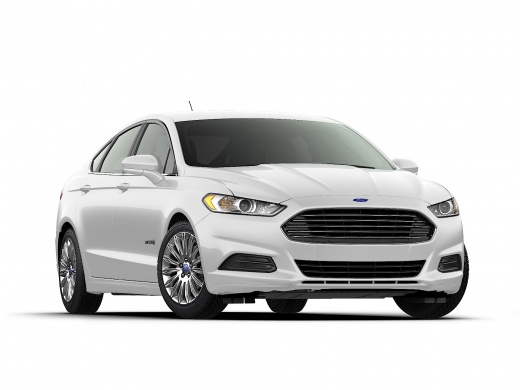
How to Replace the Key Battery for the Ford Fusion
Model: Ford Fusion North America
MK 2
- Years:
2013, 2014, 2015, 2016, 2017, 2018, 2019, 2020
Video tutorial
To replace the battery in your Ford Fusion Mk2 smart key, simply follow these instructions. First, extract the emergency key from inside the cover by pressing the button located at the top of the cover. Next, take a flathead screwdriver and use it to open the cover. At this point, just remove the old, dead battery and replace it with a new, fully compatible one. Reassemble everything and test the functionality.
Updated on 4 August 2026 by ScegliAuto
Related tutorials
Ford Fusion North America
(2013-2020 /
MK 2)
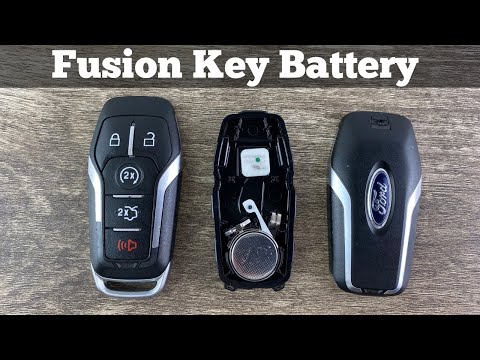
In this tutorial, you will see how to replace the key fob battery on a Ford Fusion, a very simple and quick operation. For this, you will need a smal…
Ford Fusion North America
(2013-2020 /
MK 2)
In today's video, you will learn how to replace the key fob battery for the Ford Fusion. This guide also applies to other contemporaneous models that…
Ford Fusion North America
(2013-2020 /
MK 2)
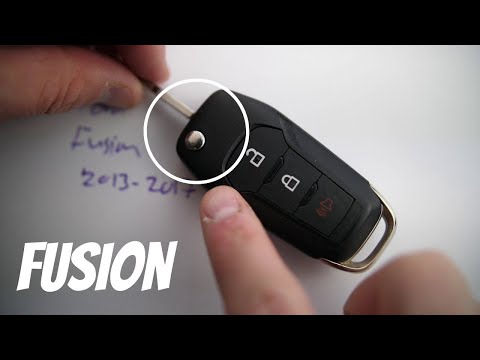
As shown in this tutorial, replacing the key fob battery of the Ford Fusion is an extremely simple and quick operation. First, obtain a replacement C…
Other guides you may be interested in
|
How to lower the rear seats in the Peugeot 206?
In this tutorial, you will see how to lower the rear seats in the Peugeot 206, a very simple and quick operation, for example, if you need more space in the boot. First, open both the doors and the tailgate, then unclip the seat base and position it vertically. Next, remove the horizontal partition, locate the release levers at the ends of both seatbacks, and, by operating them, lower the seatbacks. To reassemble everything, simply follow the reverse procedure. by ScegliAuto More videos
|
|
For advertising on this site Write to info@scegliauto.com
ScegliAuto is not responsible for any inaccuracy of the data in the lists. To report any inaccuracy or your business (if you own the business in question), please write to info@scegliauto.com
Number of seconds to generate the page: 0.107
(c) ScegliAuto 2026 - info@scegliauto.com - Privacy policy VAT number: IT01247470535 |
