
|
Do it yourself
| |||
| ||||


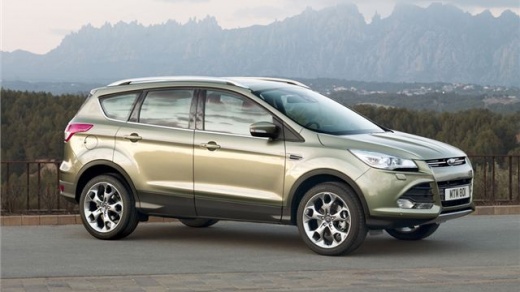
How to Remove the Rear Door Trim on a Ford Kuga
Model: Ford Kuga
C520, MK 2
- Years 2012-2019
Video tutorial
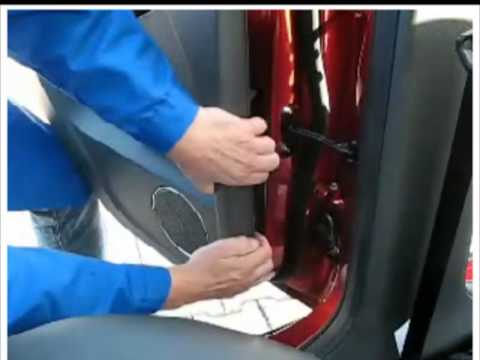
Detailed instructions - The steps to remove the rear door trim on a Ford Kuga 2 are: - remove the internal cover of the opening handle to reveal the screw and unscrew it; - insert a plastic tool at the sides of the central handle cover to remove it, after disconnecting the window switch connector; - unscrew the screws securing the panel; - remove the panel by pulling it outward; - reconnect the connector; Once the cover is removed, you can take off the leather part of the panel. To do this, first remove the rubber and then use pliers to remove the pins securing the part. Finally, extract it.
Updated on 9 September 2026 by ScegliAuto
Related tutorials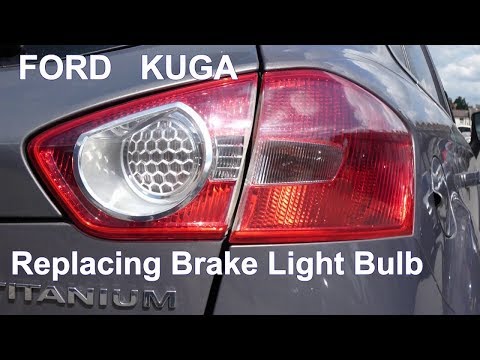
Ford Kuga
(2008-2012 /
C394, MK 1)
In this video tutorial, you will learn how to remove the rear headlamp bulb from a Ford Kuga in simple steps without any tools. First, open the boot …
Ford Kuga
(2012-2019 /
C520, MK 2)
To remove the door panel from a Ford Kuga, start by unscrewing the securing screws located above the door panel. Remove any screws located in the pla…

Ford Kuga
(2012-2019 /
C520, MK 2)
Learn how to remove the covering panel of the door on a Ford Kuga. Remove the screw cover cap inside the space of the door opening lever (unscrew the…
Other guides you may be interested in
|
How to set the time on the Citroen C3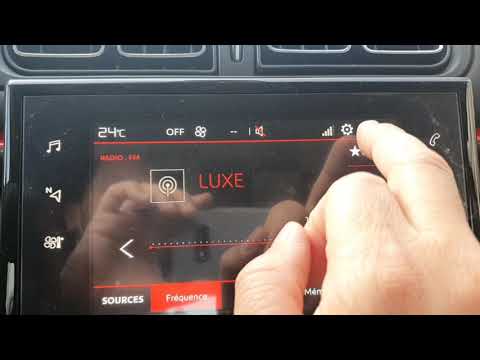
Today, we will look at the instructions that will allow you to adjust the time on the Citroen C3. First, get inside the vehicle and turn on the instrument panel; then go to the settings menu and subsequently to the time option, as shown in the video. At this point, go to the time setting and adjust the format, hour, and minutes; exit the settings menu to save the time displayed at the top of the screen, performing the same operation whenever it is necessary to change the time. by ScegliAuto More videos
|
For advertising on this site Write to info@scegliauto.com
ScegliAuto is not responsible for any inaccuracy of the data in the lists. To report any inaccuracy or your business (if you own the business in question), please write to info@scegliauto.com
Number of seconds to generate the page: 0.057
(c) ScegliAuto 2026 - info@scegliauto.com - Privacy policy VAT number: IT01247470535 |
