
|
Do it yourself
| |||
| ||||


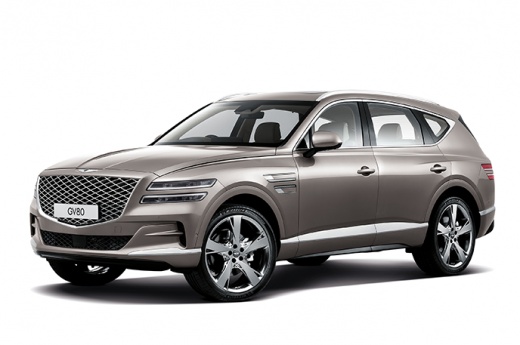
Replace the headlights of the Genesis GV80
Model: Genesis Gv80
JX1, MK 1
- Years 2020-2026
Today we will see, in this video tutorial, the main instructions on how to disassemble and replace the headlights of the Genesis GV80. First we open the bonnet of our car and start unscrewing the screws and removing the clips that we find above the front bumper; after which we remove the additional plastic clips located on both sides of the front wheel arches, as shown in the video. At this point we unclip the front bumper on the sides, until it is completely removed; then we unscrew the screws of the optical group, disconnecting the electrical connectors of the bulbs to remove and replace it!
Posted on 23 June 2022 by ScegliAuto
Video tutorial
Related tutorials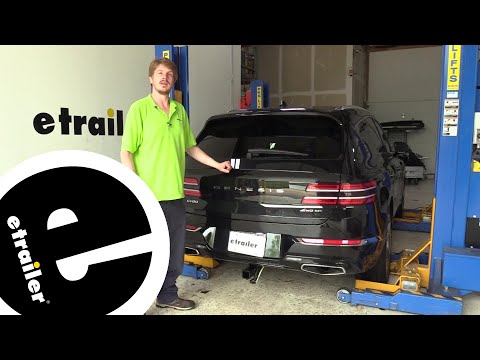
Genesis Gv80
(2020-2026 /
JX1, MK 1)
To replace the rear light of the Genesis GV80, you need to open the rear door of the car so that you can access the plastic cover located next to the…
Genesis Gv80
(2020-2026 /
JX1, MK 1)
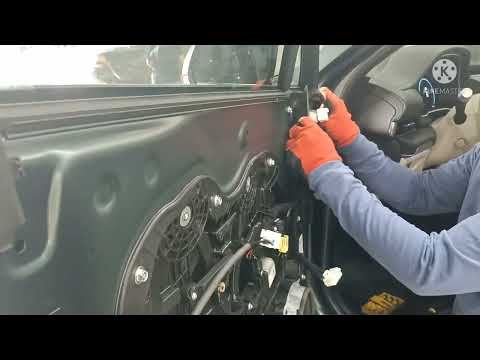
In order to replace the door panel of the Genesis GV80 you have to unscrew its fixing screws, which are positioned in the seat of the internal handle…
Genesis Gv80
(2020-2026 /
JX1, MK 1)
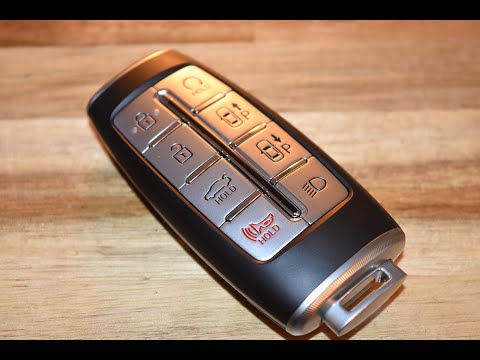
In this brief guide, let's see the steps that will allow us to disassemble and replace the remote control battery of the Genesis Gv80 key. First of a…
Other guides you may be interested in
|
How to Remove the CV Boot on Fiat Panda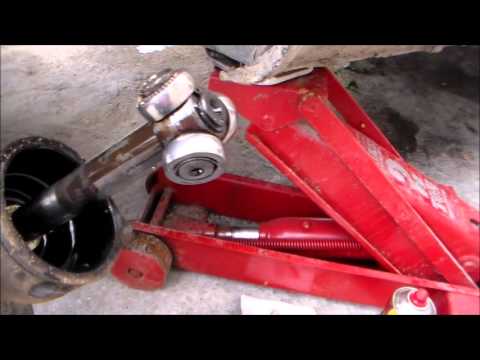
Let’s see how to remove the boot from the joint on a Fiat Panda. After positioning your car on a column lift: raise it to a comfortable height to work on, loosen the wheel nuts (using a socket wrench or air drill) and remove the wheel. Begin unscrewing the brake disc bolts with a socket wrench. Remove the bolts located under the disc and completely detach the wheel hub. Pull the arm around the joint with your hands. Fit the new boot (after removing the old one) onto the constant velocity joint, then start reassembling all the parts in reverse order. by ScegliAuto More videos
|
|
For advertising on this site Write to info@scegliauto.com
ScegliAuto is not responsible for any inaccuracy of the data in the lists. To report any inaccuracy or your business (if you own the business in question), please write to info@scegliauto.com
Number of seconds to generate the page: 0.069
(c) ScegliAuto 2026 - info@scegliauto.com - Privacy policy VAT number: IT01247470535 |
