
|
Do it yourself
| |||
| ||||


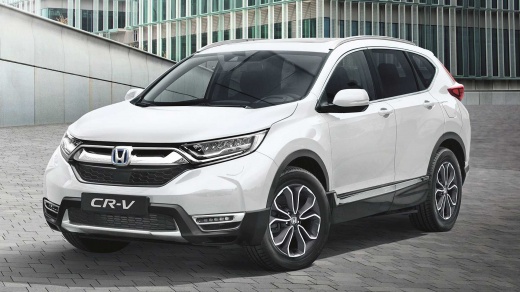
How to reset the service light on Honda CR-V
Model: Honda CR-V
MK 5
- Years:
2017, 2018, 2019, 2020, 2021, 2022
Video tutorial
To reset the service light on the Honda CR-V, get in and turn on the instrument panel without starting the engine. Use the controls on the steering wheel to access the central display menu. Scroll to the Maintenance option and select the screen showing the percentage of engine oil life. Press and hold the confirmation button until the reset option appears. Select Reset and confirm the operation. The system resets the maintenance interval, returning the value to 100%. Turn off the ignition and turn it back on to verify that the service light has been correctly eliminated.
Posted on 30 October 2026 by ScegliAuto
Related tutorials
Honda CR-V
(2023-2026 /
RS, MK 6)
To reset the "Service" light on a Honda CR-V, turn on the instrument panel without starting the engine. Use the buttons on the steering wheel to acce…
Honda CR-V
(2007-2012 /
MK 3)
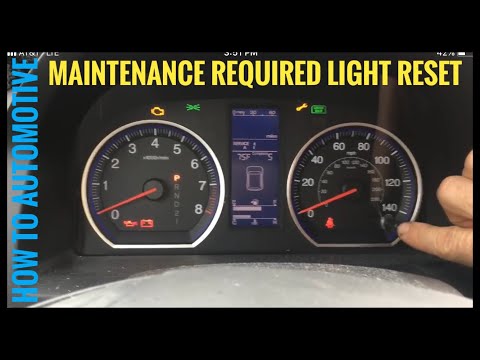
To reset the Service light on a Honda CR-V, turn the key to switch on the instrument cluster and press the button located on the speedometer until th…

Honda CR-V
(2017-2022 /
MK 5)
Let's see how to reset the service light on a 2017 Honda CR-V (MK5): turn on the ignition without starting the engine, then press the "Home" button t…
Other guides you may be interested in
|
How to Fix Code 84 Issue on the Chevrolet Cruze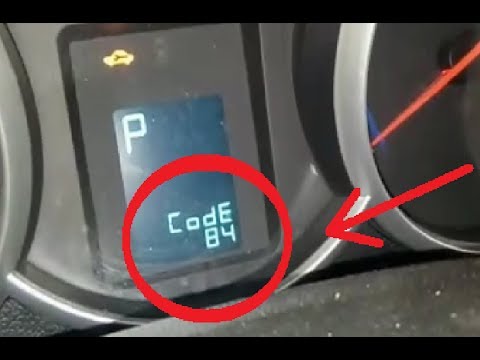
In this video, you will see how to resolve the Code 84 issue when it appears on the instrument panel of the Chevrolet Cruze. The YouTuber uses an OBDII scanner connected to the EOBD port to correctly decode the error, which relates to the accelerator pedal that does not respond during engine acceleration. The solution is to check the throttle body, which helps send fuel to accelerate the vehicle; it was indeed damaged, and once replaced, the error code is cleared, allowing the vehicle to accelerate normally again. by ScegliAuto More videos
|
|
For advertising on this site Write to info@scegliauto.com
ScegliAuto is not responsible for any inaccuracy of the data in the lists. To report any inaccuracy or your business (if you own the business in question), please write to info@scegliauto.com
Number of seconds to generate the page: 0.072
(c) ScegliAuto 2026 - info@scegliauto.com - Privacy policy VAT number: IT01247470535 |
