
|
Do it yourself
| |||
| ||||


Replacing the Rear Light Bulb
Model: Honda Civic
MK 6
- Years 1995-2001
To replace the rear light bulb, you need to remove the inner side trim of the boot: this allows access to the lamp holder and inspection of the bulbs. If you need to replace the rear light, you must remove the bumper by unscrewing the fixing screws along the wheel arch and the inner edge of the bumper (near the bonnet seal); after removing the pins, unclip the bumper from the side and take it off. You can now access the fixing pins of the light to remove and replace it. Finally, reattach the bumper ensuring it clips in correctly.
Updated on 4 February 2026 by ScegliAuto
Video tutorial
Related tutorials
Honda Civic
(2001-2006 /
MK 7)
If you want to replace the rear light assembly or any of the bulbs in your Honda Civic, here's how to do it: open the boot, and you will have immedia…
Honda Civic
(1995-2001 /
MK 6)
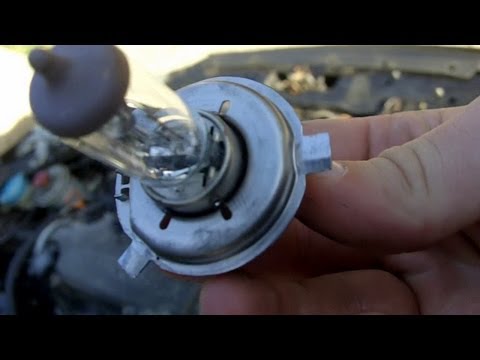
Open the bonnet and locate the rear of the headlamp. Gently remove the rubber cover, taking care with the wires, and pull out the bulb holder to acce…
Honda Civic
(2006-2012 /
MK 8)
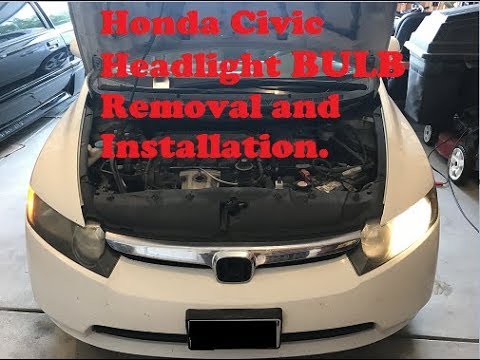
To replace the front headlamp bulb on a Honda Civic, detach the rivets securing the inner wheel arch cover corresponding to the bulb that needs repla…
Other guides you may be interested in
|
How to Check the Oil Level on a Jeep Renegade?
To check the oil level on a Jeep Renegade, you need to open the bonnet to access the components inside the engine bay: on the lower left side of the engine block, you will find the dipstick for checking the level. This should be pulled out and thoroughly cleaned with a cloth: once cleaned, reinsert it back into its tube and pull it out immediately after. This way, you can check that the oil mark is between the minimum and maximum levels; finally, you can place the dipstick back in its tube. by ScegliAuto More videos
|
|
For advertising on this site Write to info@scegliauto.com
ScegliAuto is not responsible for any inaccuracy of the data in the lists. To report any inaccuracy or your business (if you own the business in question), please write to info@scegliauto.com
Number of seconds to generate the page: 0.763
(c) ScegliAuto 2026 - info@scegliauto.com - Privacy policy VAT number: IT01247470535 |
