
|
Do it yourself
| |||
| ||||



Replacing Brake Discs
Model: Honda Accord
MK 8
- Years:
2008, 2009, 2010, 2011, 2012, 2013
Video tutorial
The brake discs of a car are essential for the safety of every driver. First, lift the car with a jack and remove the wheel, unscrewing the wheel bolts to take it off. You can then slide off the caliper. Once the caliper is removed, take out the brake pads with the help of a flat screwdriver that won't damage the disc. To remove the brake disc, you should simply pull it off, but often, due to oxidation, it won't come off easily, so you may need to use a hammer. After removing the old disc, clean off any rust and insert the new one, along with the bracket and new brake pads. To replace the disc, simply unscrew the screw that holds it in position on the hub from its front face.
Updated on 9 February 2026 by ScegliAuto
Related tutorials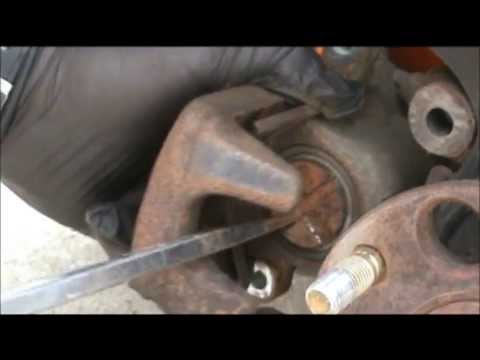
Honda Accord
(2002-2007 /
MK 7)
The braking system of the car is a fundamental component for the safety of the driver. The brake discs are very important for both braking power and …
Honda Accord
(2002-2007 /
MK 7)
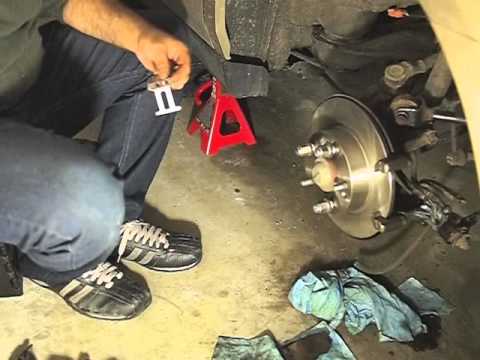
Lift the vehicle on suitable car stands and remove the rear wheel; then disconnect the handbrake cable from the brake calliper and the oil pipe, ensu…
Honda Accord
(2008-2013 /
MK 8)
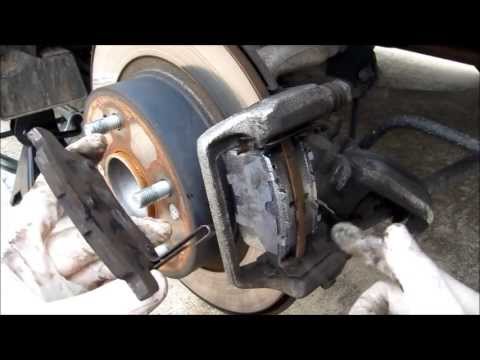
Lift the vehicle and secure it. Remove the wheel and gently detach the caliper by removing the two retaining bolts with a ratchet spanner. Remove the…
Other guides you may be interested in
|
How to Reset the Tyre Light on a Toyota Aygo?
To reset the tyre light on a Toyota Aygo, start by locating the reset button, which is found in the glove compartment of the front passenger side. Turn on the car and ensure that the tyres are at the correct pressure. Then, press and hold the reset button for a few seconds until the tyre light either flashes or turns off, depending on the model. Release the button and wait for the reset procedure to complete. Restart your Toyota Aygo and check if the tyre light has turned off, indicating that the reset was successful. by ScegliAuto More videos
|
|
For advertising on this site Write to info@scegliauto.com
ScegliAuto is not responsible for any inaccuracy of the data in the lists. To report any inaccuracy or your business (if you own the business in question), please write to info@scegliauto.com
Number of seconds to generate the page: 0.028
(c) ScegliAuto 2026 - info@scegliauto.com - Privacy policy VAT number: IT01247470535 |
