
|
Do it yourself
| |||
| ||||


How to install red emblems on a Honda Jazz
Model: Honda Jazz
MK 3
- Years 2013-2019
In this video, we see how to remove the black Honda badges on a Jazz and install the red ones instead: start by removing the existing ones using a wire to help you carefully take off the existing badge without damaging the bodywork; if the pins remain stuck, remove them by pushing them down. Clean the surface well. The red Honda badges are quite expensive: the cheapest ones we found are on eBay, with code 204395415270 at a price of £53.27 each, with free shipping (a rare case for these items). They stick on with adhesive, so just position them carefully. Repeat the same operation for the front badge.
Updated on 11 August 2026 by ScegliAuto
Video tutorial
Related tutorials
Honda Jazz
(2013-2019 /
MK 3)
If you intend to connect to the ECU of your Honda Jazz third generation (2018), but do not know where the OBD port is located to connect the diagnost…

Honda Jazz
(2013-2019 /
MK 3)
To independently locate the OBD port inside your Honda Jazz (2013), simply follow these steps. First, you need to get into the car and reach the driv…
Honda Jazz
(2019-2026 /
MK 4)
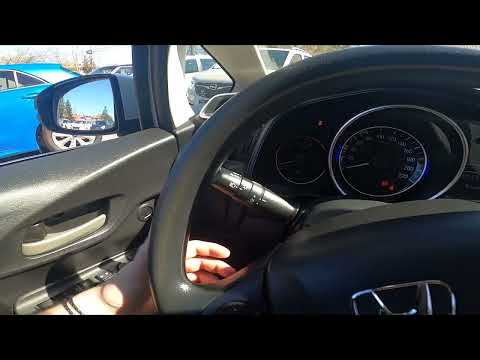
In this new guide dedicated to all of you who own a fourth series Honda Jazz, we will explain how you can correctly activate and deactivate the high …
Other guides you may be interested in
|
How to Replace the Battery on a Honda Vision 110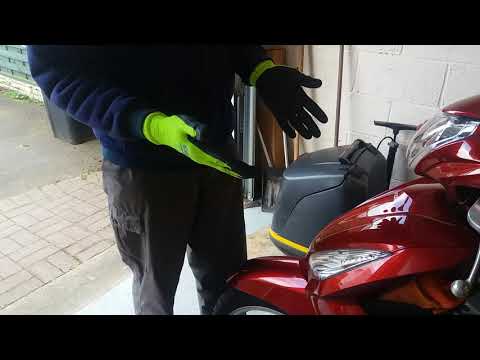
To replace the battery on a Honda Vision 110, you need to remove the front fairing of the motorcycle, located directly under the front headlamp. To loosen this panel, unscrew the two screws found at its top, just below the handlebar. Once these screws are loosened, lever under the panel to detach it, gaining access to the battery underneath: this battery must be removed from its housing by unscrewing the fixing screws and disconnecting the power cables, replacing it with a new one. by ScegliAuto More videos
|
|
For advertising on this site Write to info@scegliauto.com
ScegliAuto is not responsible for any inaccuracy of the data in the lists. To report any inaccuracy or your business (if you own the business in question), please write to info@scegliauto.com
Number of seconds to generate the page: 0.126
(c) ScegliAuto 2026 - info@scegliauto.com - Privacy policy VAT number: IT01247470535 |
