
|
Do it yourself
| |||
| ||||


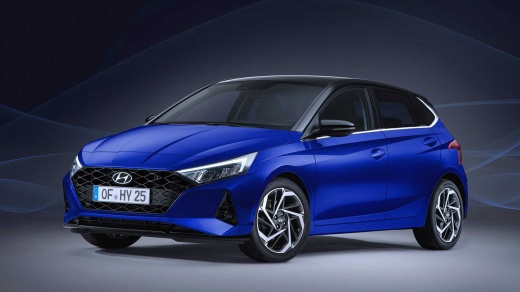
How do you reset the tire pressure light on the Hyundai i20?
Model: Hyundai I20
MK 3, BC3
- Years:
2020, 2021, 2022, 2023, 2024, 2025, 2026
Video tutorial
The tire pressure warning light that appears on the instrument panel of the Hyundai I20 will need to be turned on in order to navigate through the menu until you find the tire-related option. Once this option is selected, you will be able to see which tires need to be inflated. These tires should be inflated to the recommended pressure value, which is indicated on the sticker located on the driver's side door pillar. At this point, you can adjust the tire pressure to the recommended value and return to the screen, noticing that the pressure has been restored and the warning light has disappeared.
Posted on 17 April 2025 by ScegliAuto
Related tutorials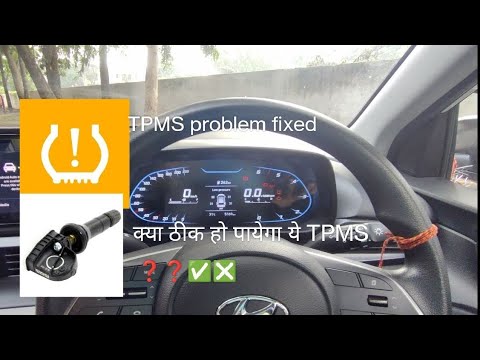
Hyundai I20
(2020-2026 /
MK 3, BC3)
To reset the tyre pressure light on the Hyundai i20, first inflate the tyres to the pressure values indicated on the sticker attached to the driver's…
Hyundai I20
(2014-2021 /
IB, MK 2, GB)
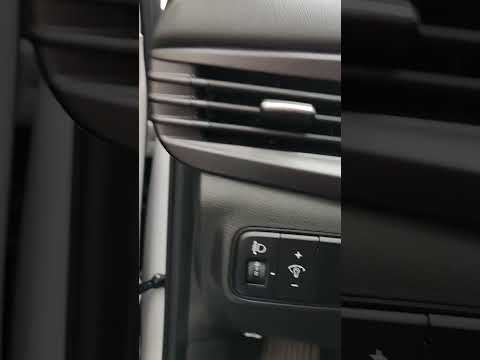
These brief instructions will show you how to reset the tyre pressure monitoring system (TPMS) light on the Hyundai i20. Before performing the reset,…

Hyundai I20
(2020-2026 /
MK 3, BC3)
The tire pressure warning light that appears on the instrument panel of the Hyundai I20 can be reset by first inflating the tires to the correct pres…
Other guides you may be interested in
|
How to open the bonnet on a Volkswagen Golf?
In this tutorial, you will see how to open the bonnet on a Volkswagen Golf MK4. This is a very simple operation that follows the standard procedure. First, open the driver's door, then locate the lever in the lower left area and pull it. Next, move to the front of the vehicle, lift the bonnet slightly, and find the second lever located just above the Volkswagen logo. At this point, simply pull it towards you, fully open the bonnet, and secure it with the prop rod. To close it, gently push it down. by ScegliAuto More videos
|
|
For advertising on this site Write to info@scegliauto.com
ScegliAuto is not responsible for any inaccuracy of the data in the lists. To report any inaccuracy or your business (if you own the business in question), please write to info@scegliauto.com
Number of seconds to generate the page: 0.081
(c) ScegliAuto 2026 - info@scegliauto.com - Privacy policy VAT number: IT01247470535 |
