
|
Do it yourself
| |||
| ||||



How to Reset the Service Light on a Hyundai IX20
Model: Hyundai ix20
OJ
- Years 2010-2019
Video tutorial
Detailed instructions - To reset the service light on a Hyundai IX20, sit in the driver's seat and insert the key into the ignition. Turn the key to the ON position without starting the engine. Use the buttons on the steering wheel or the instrument cluster to enter the onboard computer menu. Scroll through the options until you find 'Service' or 'Maintenance Interval'. Select the option and hold the OK or Reset button for a few seconds until the display confirms the reset. At this point, turn off the instrument cluster, wait a few seconds, and turn it back on to verify that the maintenance light is no longer visible and that the interval has been reset correctly.
Posted on 2 October 2026 by ScegliAuto
Related tutorials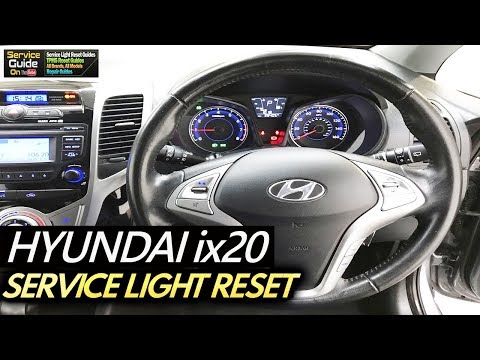
Hyundai ix20
(2010-2019 /
OJ)
This guide shows how to reset the tyre pressure warning light on the vehicle. The first step is to start the engine. Now, on the steering wheel, pres…
Hyundai ix20
(2010-2019 /
OJ)
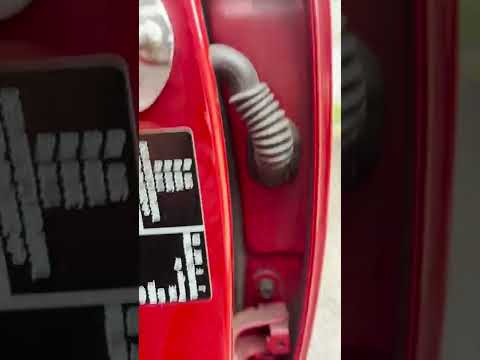
This video shows how and where to identify the body colour code on a Hyundai IX20: on the driver's door frame, you will find a metal plate that also …
Hyundai ix20
(2010-2019 /
OJ)
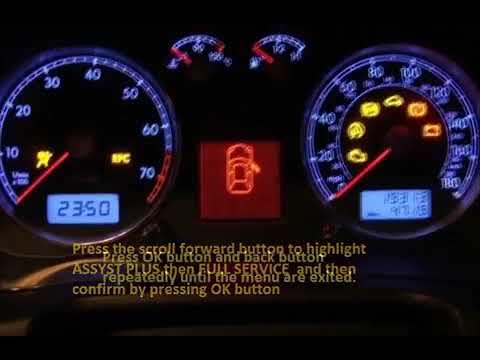
If you have replaced the engine oil on this model of car from the Korean manufacturer, you need to complete the job by resetting the service light th…
Other guides you may be interested in
|
How to Replace the Key Battery in a Skoda Karoq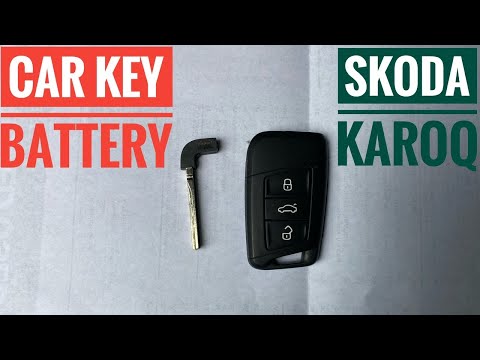
Replacing the button battery in your new Skoda Karoq key takes just a few minutes and can be done independently. Simply follow these steps. First, press the lower button of the cover while simultaneously pulling out the physical emergency key. Then, using a small flat screwdriver, remove the rear cover to access the exhausted battery. Remove the old battery and replace it with a new compatible model (CR2032). Finally, reattach the rear cover and insert the physical key back in. by ScegliAuto More videos
|
|
For advertising on this site Write to info@scegliauto.com
ScegliAuto is not responsible for any inaccuracy of the data in the lists. To report any inaccuracy or your business (if you own the business in question), please write to info@scegliauto.com
Number of seconds to generate the page: 0.869
(c) ScegliAuto 2026 - info@scegliauto.com - Privacy policy VAT number: IT01247470535 |
