
|
Do it yourself
| |||
| ||||


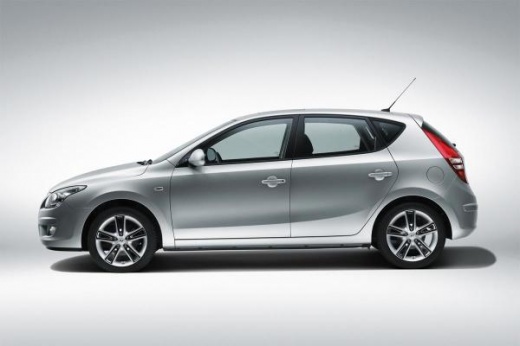
How to Remove the Radio from a Hyundai i20
Model: Hyundai I20
MK 1, PB
- Years:
2008, 2009, 2010, 2011, 2012, 2013, 2014
Video tutorial
Before starting, sit in the driver's seat of your Hyundai i20. Begin by prying off the radio trim using a thin but sturdy tool, preferably plastic, to avoid damaging the dashboard. This will expose the screws that secure the radio. Proceed to unscrew and remove these screws. Once you have removed these screws, you can pull the radio out of its housing. At this point, to completely remove it, simply disconnect the rear connectors, and you will have finished the removal.
Updated on 1 April 2026 by ScegliAuto
Related tutorials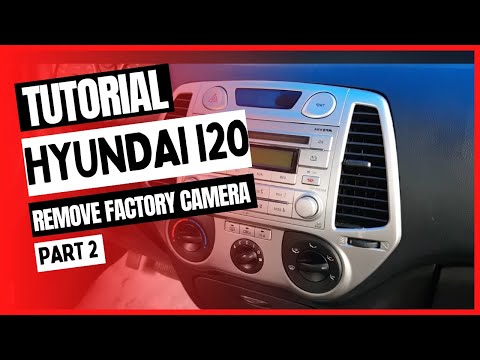
Hyundai I20
(2008-2014 /
MK 1, PB)
To independently remove the stock radio fitted in your Hyundai i20 PB, follow the steps described in this mini guide. Before starting, ensure the car…
Hyundai I20
(2008-2014 /
MK 1, PB)
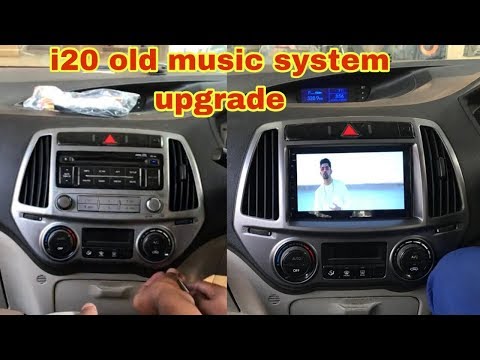
Learn how to replace the car radio in your Hyundai I20. To remove the car radio, you need to take off the trim panels fixed to the centre console, he…

Hyundai I20
(2008-2014 /
MK 1, PB)
To make necessary the reset or rather the restoration of the Hyundai I20 car radio, there could be a general malfunction, an attempted theft, and fin…
Other guides you may be interested in
|
How to Remove the Rear Seat of a Hyundai Tucson?
To remove the rear seat of a Hyundai Tucson, follow these steps. Start by moving the front seats to their most forward position to gain space. Next, locate the release lever on the underside of the rear seat, near the floor. Press this lever down while pulling the seat upwards to unlock it from the anchor pins. Once unlocked, tilt the seat upwards and forwards to remove it from its position. Repeat this process for both sides of the rear seat. Be careful of any electrical cables or components that may be connected to the seat during removal. Once the rear seat is removed, the disassembly is complete. by ScegliAuto More videos
|
|
For advertising on this site Write to info@scegliauto.com
ScegliAuto is not responsible for any inaccuracy of the data in the lists. To report any inaccuracy or your business (if you own the business in question), please write to info@scegliauto.com
Number of seconds to generate the page: 0.025
(c) ScegliAuto 2026 - info@scegliauto.com - Privacy policy VAT number: IT01247470535 |
