
|
Do it yourself
| |||
| ||||


Resetting the Tyre Pressure Light on Hyundai Cars
Model: Hyundai Accent
RB, RC, MK 4
- Years:
2010, 2011, 2012, 2013, 2014, 2015, 2016, 2017
Video tutorial
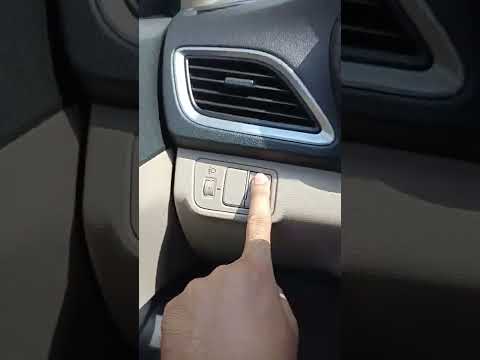
Resetting the tyre pressure light on Hyundai cars is really straightforward. On a Hyundai Accent, for example, simply turn on the instrument panel (not the engine, this shouldn't be necessary) and look for the buttons on the left, below the air vent: press and hold the button at the top right until the reset is complete. On other Hyundai models, the button is located inside the glove compartment. However, before performing the reset, make sure to check the actual condition of the tyres and their pressure using a pressure gauge.
Updated on 27 April 2026 by ScegliAuto
Related tutorials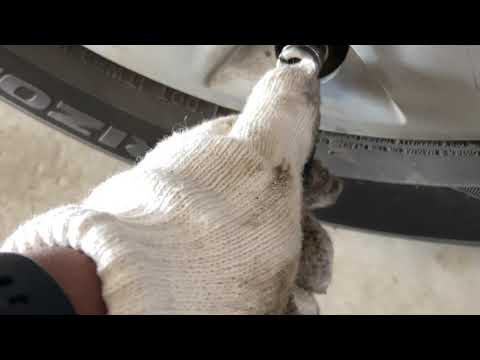
Hyundai Accent
(2010-2017 /
RB, RC, MK 4)
When the tyre pressure light comes on in Hyundai cars, first check the condition and pressure of your tyres using a suitable pressure gauge. Once thi…

Hyundai Accent
(2017-2024 /
YC, MK 5, HC)
Manually resetting the tyre warning light on your 2022 Hyundai Accent takes just a few seconds. Everything you need to do is described in this mini g…
Hyundai Accent
(2017-2024 /
YC, MK 5, HC)
As seen in this tutorial, resetting the tyre warning light in the Hyundai Accent is an extremely simple and quick operation. Before doing this, ensur…
Other guides you may be interested in
|
How to open the bonnet on a Volkswagen Golf?
In this tutorial, you will see how to open the bonnet on a Volkswagen Golf MK4. This is a very simple operation that follows the standard procedure. First, open the driver's door, then locate the lever in the lower left area and pull it. Next, move to the front of the vehicle, lift the bonnet slightly, and find the second lever located just above the Volkswagen logo. At this point, simply pull it towards you, fully open the bonnet, and secure it with the prop rod. To close it, gently push it down. by ScegliAuto More videos
|
|
For advertising on this site Write to info@scegliauto.com
ScegliAuto is not responsible for any inaccuracy of the data in the lists. To report any inaccuracy or your business (if you own the business in question), please write to info@scegliauto.com
Number of seconds to generate the page: 0.021
(c) ScegliAuto 2026 - info@scegliauto.com - Privacy policy VAT number: IT01247470535 |
