
|
Do it yourself
| |||
| ||||


How to Replace the Battery in the Hyundai I20 Remote
Model: Hyundai I20
GB, MK 2
- Years:
2014, 2015, 2016, 2017, 2018, 2019, 2020
Video tutorial
In today's tutorial, we will see how to replace the battery in the remote for the Hyundai I20. First, take your key and press the button to release the key blade: at this point, simply separate the remote into two halves to extract the battery; to do this, apply pressure in the centre to separate the two halves, as shown in the video. If you cannot separate the key, use a very thin and flat lever to assist. Once opened, you will see the battery: simply replace it with a new one and close everything up.
Updated on 27 May 2026 by ScegliAuto
Related tutorials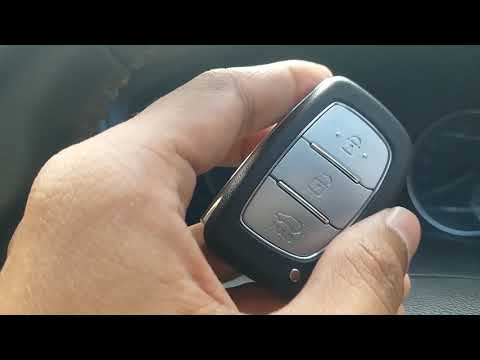
Hyundai I20
(2008-2014 /
MK 1, PB)
Today, you will learn how to dismantle and replace the battery in the remote key for the Hyundai I20 second generation, following the instructions be…
Hyundai I20
(2008-2014 /
MK 1, PB)
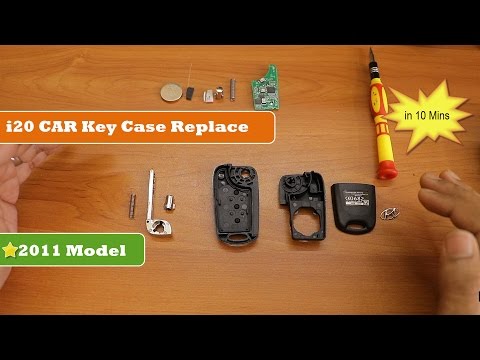
In this short and simple video, you will understand the main steps needed to remove and replace the key fob shell on the Hyundai I20. First, take you…
Hyundai I20
(2008-2014 /
MK 1, PB)
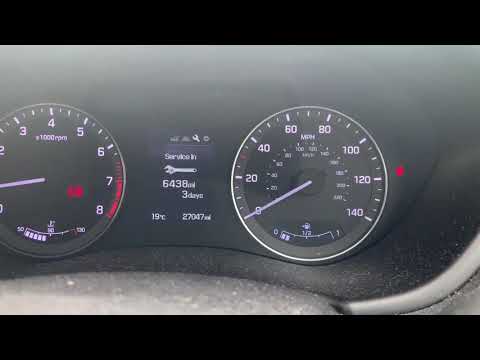
Learn how to reset the maintenance light on the instrument cluster of the Hyundai I20. Start the instrument cluster with the appropriate remote key, …
Other guides you may be interested in
|
How to Reset the SOS System Error on the Audi A4
This guide provides information on how to restore the functionality of the SOS emergency call system on the Audi A4. The SOS system is now available on almost all models from the manufacturer; one of the most common issues is related to the malfunction of the SOS system, for which we will outline possible solutions. The issue can sometimes be resolved by resetting the MMI multimedia system by holding down the power button; otherwise, it will be necessary to perform a diagnostic check at the nearest service center. by ScegliAuto More videos
|
|
For advertising on this site Write to info@scegliauto.com
ScegliAuto is not responsible for any inaccuracy of the data in the lists. To report any inaccuracy or your business (if you own the business in question), please write to info@scegliauto.com
Number of seconds to generate the page: 0.115
(c) ScegliAuto 2026 - info@scegliauto.com - Privacy policy VAT number: IT01247470535 |
