
|
Do it yourself
| |||
| ||||


Hyundai I20 - KeyKey Hyundai I20 (2014-2020 / mk 2, gb)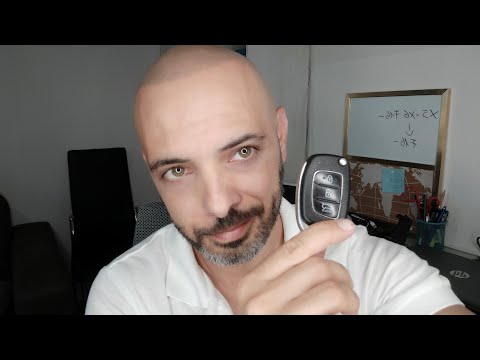 Hyundai I20 (2014-2020 / MK 2, GB)
How to Replace the Battery in the Hyundai I20 Remote In today's tutorial, we will see how to replace the battery in the remote for the Hyundai I20. First, take your key and press the button to release the key …Read all… Posted on 25 July 2026 by ScegliAuto 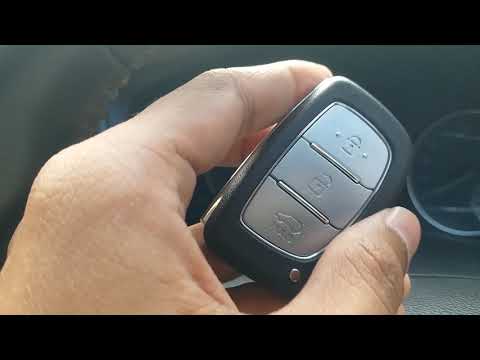 Hyundai I20 (2008-2014 / PB, MK 1)
How to Dismantle the Remote Key to Replace the Battery on the Hyundai I20 Today, you will learn how to dismantle and replace the battery in the remote key for the Hyundai I20 second generation, following the instructions below. …Read all… Posted on 3 July 2026 by ScegliAuto 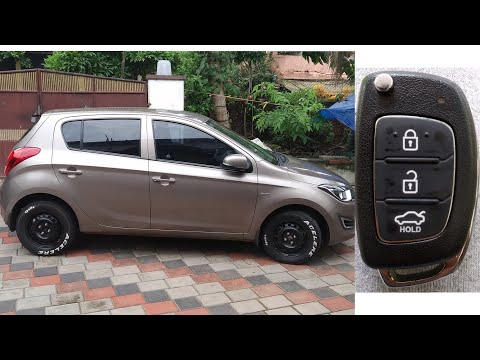 Hyundai I20 (2014-2020 / MK 2, GB)
Complete Disassembly of the Key on Hyundai I20 Insert a small flat-head screwdriver into the side slot and lever it as shown in the video to remove the top cover. If your intention is to replace the …Read all… Posted on 10 June 2026 by ScegliAuto 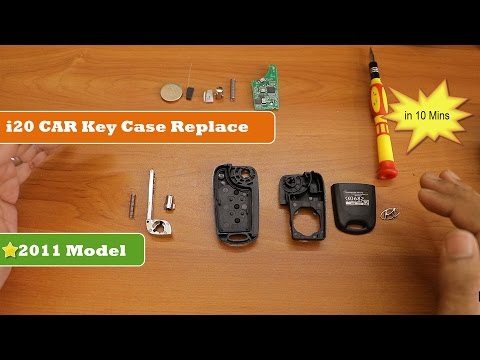 Hyundai I20 (2008-2014 / PB, MK 1)
How to Remove and Replace the Key Fob Shell on the Hyundai I20 In this short and simple video, you will understand the main steps needed to remove and replace the key fob shell on the Hyundai I20. First, take your key fob …Read all… Posted on 4 June 2026 by ScegliAuto 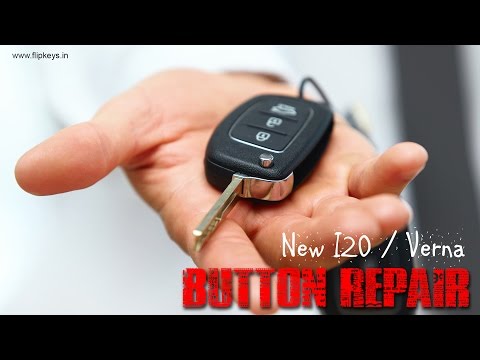 Hyundai I20 (2008-2014 / PB, MK 1)
How to Repair the Remote Key for a Hyundai i20 It often happens that the buttons on the remote key start to fail, and rather than promptly repairing them, you begin to press harder until you puncture the …Read all… Posted on 7 March 2026 by ScegliAuto Key Hyundai I20 (2008-2014 / pb, mk 1)
Hyundai I20 (2014-2020 / MK 2, GB)How to Replace the Battery in the Hyundai I20 Remote In today's tutorial, we will see how to replace the battery in the remote for the Hyundai I20. First, take your key and press the button to release the key …Read all… Posted on 25 July 2026 by ScegliAuto
Hyundai I20 (2008-2014 / PB, MK 1)How to Dismantle the Remote Key to Replace the Battery on the Hyundai I20 Today, you will learn how to dismantle and replace the battery in the remote key for the Hyundai I20 second generation, following the instructions below. …Read all… Posted on 3 July 2026 by ScegliAuto
Hyundai I20 (2014-2020 / MK 2, GB)Complete Disassembly of the Key on Hyundai I20 Insert a small flat-head screwdriver into the side slot and lever it as shown in the video to remove the top cover. If your intention is to replace the …Read all… Posted on 10 June 2026 by ScegliAuto
Hyundai I20 (2008-2014 / PB, MK 1)How to Remove and Replace the Key Fob Shell on the Hyundai I20 In this short and simple video, you will understand the main steps needed to remove and replace the key fob shell on the Hyundai I20. First, take your key fob …Read all… Posted on 4 June 2026 by ScegliAuto
Hyundai I20 (2008-2014 / PB, MK 1)How to Repair the Remote Key for a Hyundai i20 It often happens that the buttons on the remote key start to fail, and rather than promptly repairing them, you begin to press harder until you puncture the …Read all… Posted on 7 March 2026 by ScegliAuto Airbag (1) Battery (1) Spark plugs (2) Key (5) Timing belt (3) Checks and maintenance (1) Headlight (1) Cabin air filter (2) Parking brake (1) Light bulb (1) Tail light bulb (1) Handle (1) Starter motor (1) Clock (1) Door trim panel (1) Fuel pump (1) Fuse box (2) Side mirror (1) Warning light – error code (2) Tire pressure warning light (4) Service warning light (4) Steering wheel (1) |
How to Reset the Tyre Pressure Light on the Opel Grandland X
While driving, if you notice the tyre pressure warning light coming on, first check the actual inflation pressure of the tyres and, if necessary, restore the pressures recommended by the manufacturer. After restoring the correct pressures, you need to reset the warning light that has illuminated on the instrument cluster. To do this, locate the reset button on the lower central console. Press this button and hold it down for at least 3 seconds, after which the low pressure indication will turn off. by ScegliAuto More videos
|
|
For advertising on this site Write to info@scegliauto.com
ScegliAuto is not responsible for any inaccuracy of the data in the lists. To report any inaccuracy or your business (if you own the business in question), please write to info@scegliauto.com
Number of seconds to generate the page: 0.009
(c) ScegliAuto 2026 - info@scegliauto.com - Privacy policy VAT number: IT01247470535 |
