
|
Do it yourself
| |||
| ||||


How to Replace the Key Battery in a Hyundai Accent
Model: Hyundai Accent
RB, MK 4, RC
- Years 2010-2017
If the battery in your Hyundai Accent Mk4 (2010-2017) key is no longer working and you are sure it is due to a flat battery, then read this guide to understand how to replace it in a few simple steps. First, obtain a standard flat screwdriver. Take your key and locate the small slot at the bottom of the cover. Insert the tip of the screwdriver and with a gentle push outward, open the cover. Finally, remove the old flat battery and replace it with a new compatible one.
Updated on 5 June 2026 by ScegliAuto
Video tutorial
Related tutorials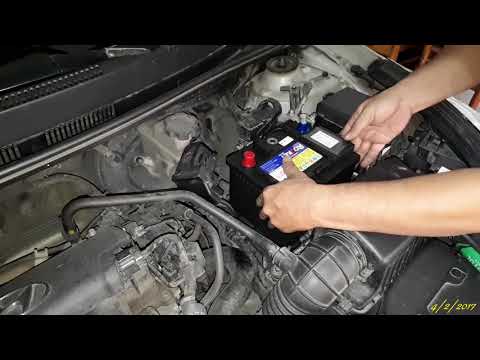
Hyundai Accent
(2010-2017 /
RB, MK 4, RC)
In today's tutorial video, you will learn how to fit the battery in a 2013 Hyundai Accent. First, open the bonnet and unscrew the terminals and any o…
Hyundai Accent
(1999-2005 /
MK 1, LC)
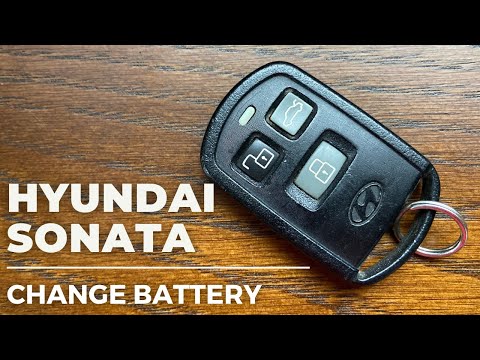
The key of the Hyundai Accent Mk1 has a completely analogue structure, making it much easier to replace the battery inside. In this mini guide, you w…

Hyundai Accent
(2010-2017 /
RB, MK 4, RC)
To correctly and safely replace the battery inside the remote control of your Hyundai Accent, simply follow the steps described in the following guid…
Other guides you may be interested in
|
How to reset the tyre pressure warning light on the Dacia Sandero?
To reset the tyre pressure warning light on the Dacia Sandero, inflate all the tyres to the pressure indicated on the label on the driver's door. Once the tyres are inflated, turn on the ignition and navigate through the menu using the controls on the right side of the steering wheel. Scroll with the arrows to find the tyre pressure option: by holding down the OK button located on the right side of the steering wheel, you can reset the warning light. by ScegliAuto More videos
|
|
For advertising on this site Write to info@scegliauto.com
ScegliAuto is not responsible for any inaccuracy of the data in the lists. To report any inaccuracy or your business (if you own the business in question), please write to info@scegliauto.com
Number of seconds to generate the page: 0.264
(c) ScegliAuto 2026 - info@scegliauto.com - Privacy policy VAT number: IT01247470535 |
