
|
Do it yourself
| |||
| ||||



How to Change the Front Grille on a Hyundai IX35
Model: Hyundai ix35
MK 1
- Years:
2009, 2010, 2011, 2012, 2013, 2014, 2015
Video tutorial
This video demonstrates how to replace the grille on the Hyundai IX35: open the bonnet and unscrew the screws securing the grille to the front plate of the vehicle. Next, remove the screws located at the bottom by lying underneath the front. At this point, you will need a helper to assist in removing the entire front, which is now free. When moving it, be careful of the electrical connections and avoid breaking the plastic clips that hold it against the mechanical parts. Now replace the grille with the new one, fitting it into the plastic clips. Various types are available on e-commerce sites; for example, you can find code 134170640199 on eBay for £59.47 with free delivery. Now, simply reassemble everything in reverse order, starting with the electrical connections, then the screws at the bottom, and finally reconnecting all the screws of the upper plate. Reattach the number plate holder, and you're done.
Updated on 22 September 2026 by ScegliAuto
Related tutorials
Hyundai ix35
(2009-2015 /
MK 1)
Resetting the tyre light on your Hyundai IX35 is very simple, and the procedure to carry out the operation is truly within anyone's reach. Let's find…
Hyundai ix35
(2009-2015 /
MK 1)
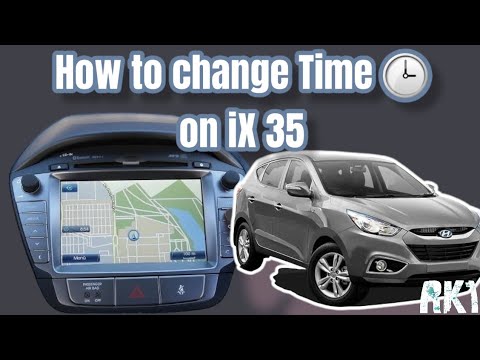
To manually change the time displayed on your Hyundai IX35 (2009-2015), follow this simple and quick procedure. First, get inside the car, start the …
Hyundai ix35
(2009-2015 /
MK 1)
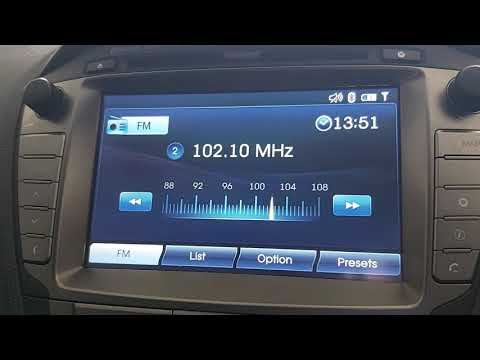
If due to a system error or simply for your needs you want to change the time displayed in your Hyundai IX35, just follow the instructions in this mi…
Other guides you may be interested in
|
How to Change the Time on the Peugeot 208
Today's guide will show you how to set the clock on the Peugeot 208's onboard computer, following the instructions below. First, get in the car and turn on the instrument panel; then press and hold the settings button on the panel for a few seconds until the time starts to flash, as shown in the video. At this point, press the left button to correctly set the time, adjusting the hour first and then the minutes; exit the onboard computer menu to save all the changes made! by ScegliAuto More videos
|
|
For advertising on this site Write to info@scegliauto.com
ScegliAuto is not responsible for any inaccuracy of the data in the lists. To report any inaccuracy or your business (if you own the business in question), please write to info@scegliauto.com
Number of seconds to generate the page: 0.011
(c) ScegliAuto 2026 - info@scegliauto.com - Privacy policy VAT number: IT01247470535 |
