
|
Do it yourself
| |||
| ||||


Replacing Rear Brake Pads
Model: Infiniti Fx
- Years:
2003, 2004, 2005, 2006, 2007, 2008
Video tutorial
Lift and secure the vehicle, then remove the wheels. Use penetrating spray to clean and remove rusted bolts. Carefully dismantle the caliper by removing the two clips and unscrewing the rear bolts with a spanner. Remove the support bracket and move it away, taking care with the brake fluid line. Remove the old pads and realign the piston to retract it. Refit the caliper and the new pads, ensuring the correct orientation. Reattach the bracket, cleaning and lubricating the fixing screws, then tighten them with a torque wrench. Check the pads' adherence to the disc and refit the wheel.
Updated on 8 February 2026 by ScegliAuto
Related tutorials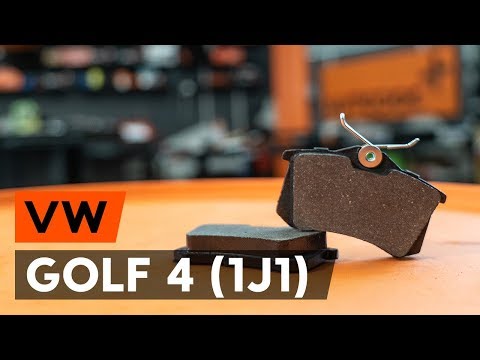
Volkswagen Golf
(1997-2003 /
Golf IV, Golf 4, MK 4)
This brief video tutorial shows how to replace the rear brake pads on a fourth-generation Volkswagen, produced from 1997 to 2003. Start by lifting th…

Street Bob
Today, follow the main steps to remove and replace the rear brake pads on the Harley Davidson Street Bob. First, place the bike on its stand and begi…
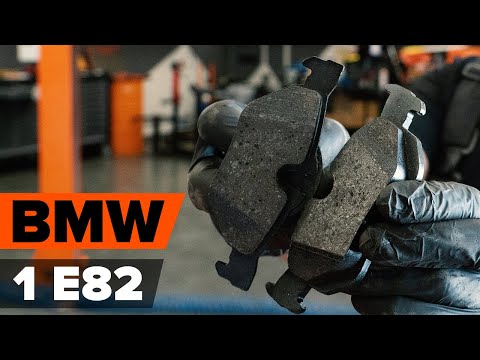
BMW Serie 1
(2004-2013 /
E81, E82, MK 1, E87)
Today, you will see the procedure necessary for removing and replacing the rear brake pads on the BMW 1 Series, including the coupe version. First, l…
Other guides you may be interested in
|
How to Open the Fuel Flap on a Volkswagen Tiguan?
To open the fuel flap on a Volkswagen Tiguan, first unlock the car using the appropriate button on the remote. This will open the car and unlock the mechanism that controls the fuel flap. At this point, apply light pressure to the left side of the flap to open it and access the cap underneath. Once this is unscrewed, you can refuel and then close everything. by ScegliAuto More videos
|
|
For advertising on this site Write to info@scegliauto.com
ScegliAuto is not responsible for any inaccuracy of the data in the lists. To report any inaccuracy or your business (if you own the business in question), please write to info@scegliauto.com
Number of seconds to generate the page: 0.033
(c) ScegliAuto 2026 - info@scegliauto.com - Privacy policy VAT number: IT01247470535 |
