
|
Do it yourself
| |||
| ||||


How to reset the oil light on the Iveco Daily 4
Model: IVECO Daily
MK 4
- Years:
2006, 2007, 2008, 2009, 2010, 2011, 2012, 2013, 2014, 2015, 2016, 2017
Video tutorial
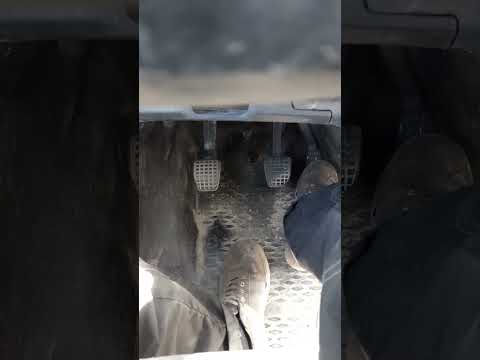
If you own an Iveco Daily Mk4 and want to manually reset the engine oil light that remains on even after changing the oil and filter, you must follow the procedure described in our new guide. First, get in the car and insert the key, then turn on the ignition and simultaneously press the accelerator pedal for about 10 seconds. Immediately after, continue to hold down the pedal and press the brake pedal all the way down 5 times in a row. Finally, release the accelerator pedal and turn off and on the ignition to complete the reset procedure.
Posted on 20 March 2025 by ScegliAuto
Related tutorials
IVECO Daily
(2014-2026 /
MK 5)
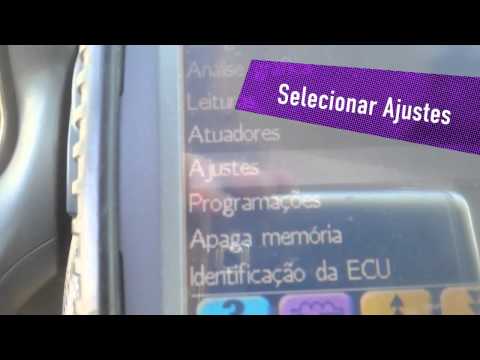
When the oil warning light illuminates on the 2023 Iveco Daily, it indicates that you need to top up the oil in the reservoir before resetting the li…
IVECO Daily
Today, let's learn how to reset the oil change service light on an Iveco Daily by following the instructions below. First, get inside the vehicle and…
IVECO Daily
After performing the oil change as per the maintenance schedule for the Iveco Daily, follow these steps to reset the Service light on the dashboard t…
Other guides you may be interested in
|
How to Reset the Tyre Pressure Light on a Cupra Formentor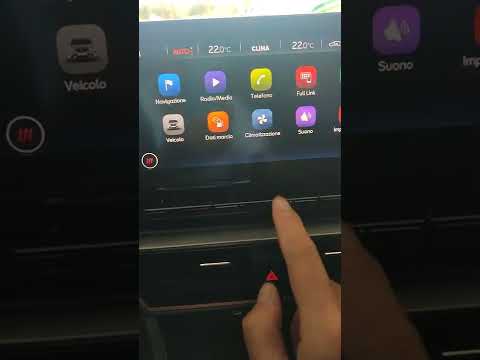
In this brief and simple video tutorial, learn how to reset the tyre pressure on a Cupra Formentor. Start by pressing the ignition button to turn on the instrument cluster. Now, use the touchscreen display on the central console to open the car menu. From here, select the driving data option, then the tyre pressure option. Now, click on the "SET" button with the pressure warning symbol and confirm the correct tyre pressure required by the manufacturer to perform the reset. by ScegliAuto More videos
|
|
For advertising on this site Write to info@scegliauto.com
ScegliAuto is not responsible for any inaccuracy of the data in the lists. To report any inaccuracy or your business (if you own the business in question), please write to info@scegliauto.com
Number of seconds to generate the page: 0.195
(c) ScegliAuto 2026 - info@scegliauto.com - Privacy policy VAT number: IT01247470535 |
