
|
Do it yourself
| |||
| ||||


How to reset the Service light on the Iveco Daily?
Model: IVECO Daily
To reset the Service light on the Iveco Daily, turn the key to switch on the instrument panel, confirming that the light is on. To reset it, press and hold the accelerator pedal, and while holding it, press the brake pedal ten times. After this operation, turn the key in the opposite direction to switch off the instrument panel. Now, turn the instrument panel back on to check that the light has completely disappeared.
Updated on 20 July 2026 by ScegliAuto
Video tutorial
Related tutorials
IVECO Daily
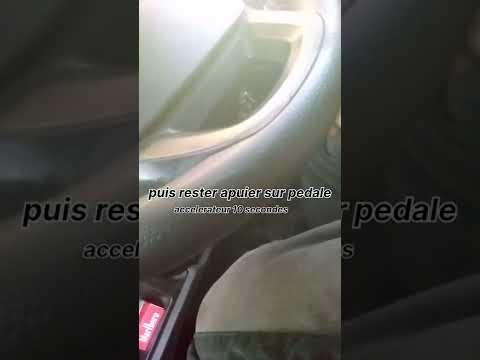
To reset the Service light on the Iveco Daily, turn the key to switch on the instrument panel and check that the light is illuminated. To reset it, p…
IVECO Daily
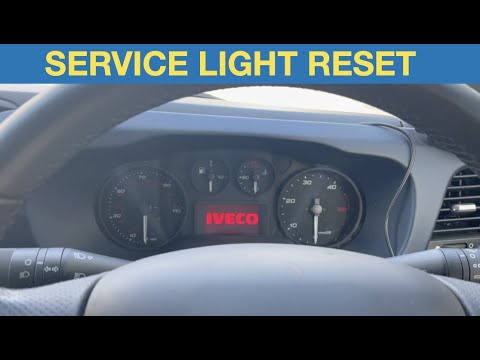
To reset the service light on your Iveco Daily, turn the key to activate the instrument panel and ensure the light appears. To reset it, press the ac…
IVECO Daily
To reset the Service light on the Iveco Daily, press the accelerator pedal while the vehicle is completely off: while holding it down, turn the key i…
Other guides you may be interested in
|
How to Adjust the Brightness of the Instrument Cluster on a Peugeot 3008?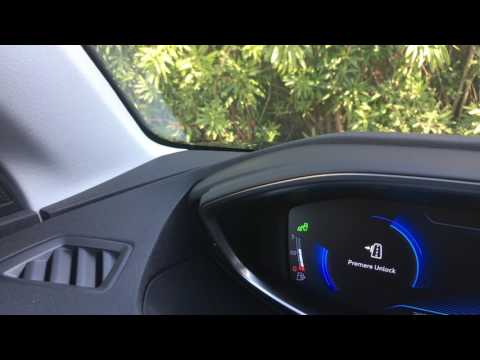
To adjust the brightness of the instrument cluster on a Peugeot 3008, you need to turn on the ignition and access the settings via the menu located in the central area of the dashboard. In the screen that appears, select the "Display Configuration" option: now, by selecting the "Brightness" option, you can adjust it using the dedicated slider that will appear on the screen. The adjustment should be made with the headlights on as well as with them off. Once the adjustment is complete, you can turn off the instrument cluster. by ScegliAuto More videos
|
For advertising on this site Write to info@scegliauto.com
ScegliAuto is not responsible for any inaccuracy of the data in the lists. To report any inaccuracy or your business (if you own the business in question), please write to info@scegliauto.com
Number of seconds to generate the page: 0.152
(c) ScegliAuto 2026 - info@scegliauto.com - Privacy policy VAT number: IT01247470535 |
