
|
Do it yourself
| |||
| ||||


Replacing the Auxiliary Belt on a Jaguar XKR
Model: Jaguar Xkr
MK 1, X100
- Years:
1996, 1997, 1998, 1999, 2000, 2001, 2002, 2003, 2004, 2005, 2006
Video tutorial
Lift the bonnet as high as possible, as shown in the video, until it is perpendicular to the car. To do this, release the lower attachment of the bonnet struts with a flat screwdriver, and insert a bolt into the holes of the bonnet's fixing bracket. Loosen the pulley that tensions the belt and remove it: I regret to inform you that on this model, removing the auxiliary belt is much more complex than usual, so arm yourself with patience and you will succeed. With the same patience, refit the belt following the exact pattern of the original, then tighten the pulley.
Updated on 7 April 2026 by ScegliAuto
Related tutorials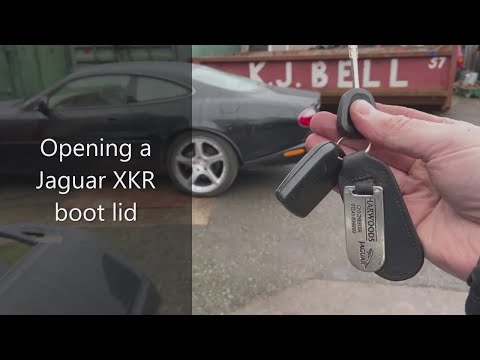
Jaguar Xkr
(1996-2006 /
MK 1, X100)
Before you can start, exit the cabin of your Jaguar XKR. The lock to open the boot is located inside the rear badge where it says "XKR": Start by ins…

Jaguar Xkr
(2006-2014 /
MK 2, X150)
Today, let's see the instructions that will allow us to reset the service light for the routine maintenance oil change of the Jaguar XKR. First, get …
Jaguar Xkr
(1996-2006 /
MK 1, X100)
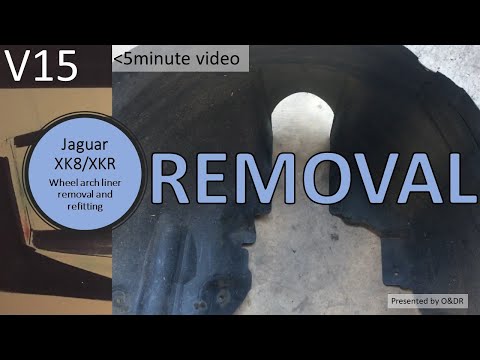
To remove the wheel arch of the Jaguar XKR, loosen the bolts securing the corresponding wheel and remove it to gain easier access to the wheel arch. …
Other guides you may be interested in |
How to Remove the Toll Tag Holder from the Car Windscreen
The toll tag holder is usually attached to the car windscreen to ensure that the toll tag functions immediately when passing through barriers. However, if you decide to remove the holder, you should follow this procedure: - Insert the toll tag into the holder; - Pull the holder inwards to detach it from the windscreen; you can use a glass scraper or a stiff plastic card to assist you; After removing the holder, it is essential to remove the adhesive from the windscreen. To remove the adhesive, we recommend using a solvent-based spray that will remove the glue without clouding the area. by ScegliAuto More videos
|
|
For advertising on this site Write to info@scegliauto.com
ScegliAuto is not responsible for any inaccuracy of the data in the lists. To report any inaccuracy or your business (if you own the business in question), please write to info@scegliauto.com
Number of seconds to generate the page: 0.010
(c) ScegliAuto 2026 - info@scegliauto.com - Privacy policy VAT number: IT01247470535 |
