
|
Do it yourself
| |||
| ||||


How to Activate the Automatic Electric Brake on a Jeep Renegade
Model: Jeep Renegade
520, MK 1, BU
- Years 2014-2026
Before you can begin, sit in the driver's seat of your Jeep Renegade. Start by activating the vehicle's onboard computer by pressing the corresponding power button. Then, set the automatic gearbox to position "P". After this, press the settings button and select "Safety & Driving Assistance". At this point, select "ON" next to "Auto Park Brake". Once you have completed this last step, you will have successfully activated the automatic parking brake.
Updated on 14 April 2026 by ScegliAuto
Video tutorial
Related tutorials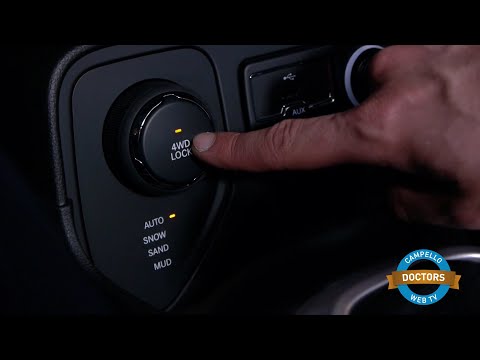
Jeep Renegade
(2014-2026 /
520, MK 1, BU)
To activate and deactivate the electronic handbrake on the Jeep Renegade, use the button located on the centre console, just below the gear lever. To…
Jeep Renegade
(2014-2026 /
520, MK 1, BU)
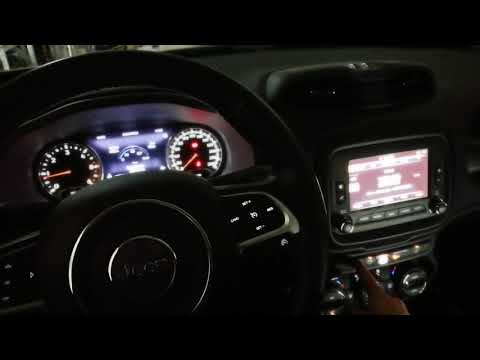
Today's guide shows how to activate or deactivate the parking sensors and park assist on the Jeep Renegade. First, get in the vehicle and press the p…

Jeep Renegade
(2014-2026 /
520, MK 1, BU)
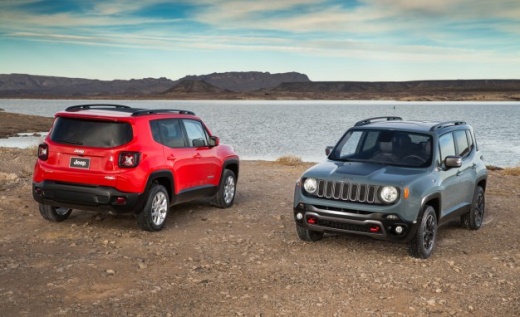
Before you begin, sit in the driver's seat of your Jeep Renegade. Start by activating the instrument cluster without starting the engine. While doing…
Other guides you may be interested in
|
Frequently Asked QuestionsHow to Open a Stuck Boot on the Peugeot 407?
On the Peugeot 407, the boot may become stuck, possibly due to a problem with the control button or the lock actuator. In such cases, you can perform an emergency opening by following the simple procedure shown in this tutorial. First, open the rear doors, then lower the seat back by operating the release lever. Next, go inside the boot, locate the lock, and manually operate it using a flathead screwdriver. The boot will then be free to open. by ScegliAuto More videos
|
|
For advertising on this site Write to info@scegliauto.com
ScegliAuto is not responsible for any inaccuracy of the data in the lists. To report any inaccuracy or your business (if you own the business in question), please write to info@scegliauto.com
Number of seconds to generate the page: 0.137
(c) ScegliAuto 2026 - info@scegliauto.com - Privacy policy VAT number: IT01247470535 |
