
|
Do it yourself
| |||
| ||||


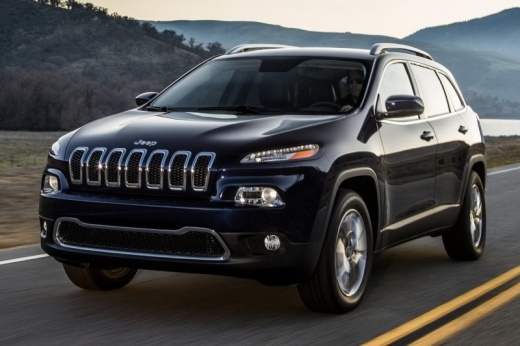
How to Replace the Key Battery of the Jeep Cherokee
Model: Jeep Cherokee
KL, MK 5
- Years:
2013, 2014, 2015, 2016, 2017, 2018, 2019, 2020, 2021, 2022, 2023
This video is currently unavailable
To correctly replace the button cell inside your 2018 Jeep Cherokee smart key takes just a few seconds. Simply follow these steps. First, locate and press the button on the back of the cover while simultaneously sliding out the emergency key. Next, obtain a flathead screwdriver (or a similar object) and open the cover. At this point, remove the old battery and replace it with a new one that is fully compatible. Reassemble the cover, insert the physical key, and you're done.
Updated on 19 May 2026 by ScegliAuto
Related tutorials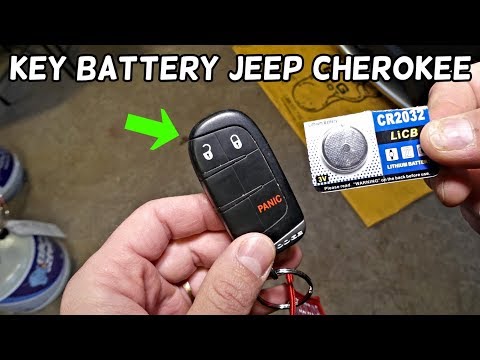
Jeep Cherokee
(2013-2023 /
KL, MK 5)
Is the battery of your Jeep Cherokee flat and needs replacing? Here's how to do it. Open the Jeep remote. Remove the metal key. Once the metal key is…
Jeep Cherokee
(2013-2023 /
KL, MK 5)
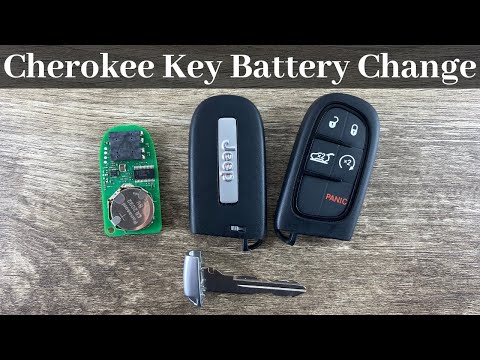
In this video, learn how to disassemble and replace the battery of the electronic key remote on a Jeep Cherokee and Grand Cherokee. First, take your …

Jeep Cherokee
(2013-2023 /
KL, MK 5)
If the smart key of your new Jeep Cherokee has suddenly stopped working, it likely has a completely drained battery. Therefore, it is essential to re…
Other guides you may be interested in
|
How to Reset the Tyre Pressure Warning Light on a Kia Rio?
The tyre pressure warning light displayed on the instrument cluster of the Kia Rio can be reset by inflating the tyres until they reach the recommended pressure value: this value is indicated on the sticker affixed to the driver's door pillar. Once all tyres have been inflated to the recommended pressure, turn on the ignition to check that the light has disappeared: if it is still present, it may be necessary to drive for a few miles, allowing the sensors to work and thus turning off the light. by ScegliAuto More videos
|
|
For advertising on this site Write to info@scegliauto.com
ScegliAuto is not responsible for any inaccuracy of the data in the lists. To report any inaccuracy or your business (if you own the business in question), please write to info@scegliauto.com
Number of seconds to generate the page: 0.112
(c) ScegliAuto 2026 - info@scegliauto.com - Privacy policy VAT number: IT01247470535 |
