
|
Do it yourself
| |||
| ||||


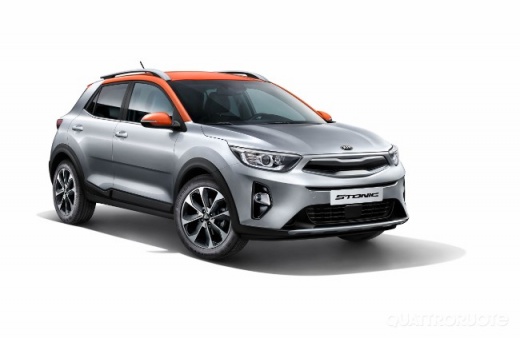
How do you reset the tire pressure warning light on the Kia Stonic?
Model: Kia Stonic
MK 1
- Years 2017-2024
To reset the tire pressure warning light of the Kia Stonic, you need to inflate the tires to the recommended pressure value: this value is indicated on the sticker located on the driver's side door pillar. Once all tires have been inflated, you can press and hold the button located on the left side of the dashboard, with the icon of low pressure: you can press and hold the button for a few seconds, to make the warning light disappear completely from the instrument panel and finally turn it off.
Posted on 28 August 2024 by ScegliAuto
Video tutorial
Related tutorials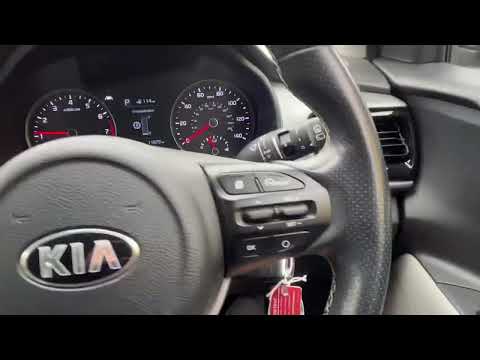
Kia Stonic
(2017-2024 /
MK 1)
The procedure to manually reset the tire pressure warning light on your 2020 Kia Stonic is very simple, and we will now discover the necessary steps.…
Kia Stonic
(2017-2024 /
MK 1)
In order to reset the tire pressure warning light of the Kia Stonic, you must first inflate the tires, bringing them to the correct pressure value: t…
Kia Stonic
(2017-2024 /
MK 1)
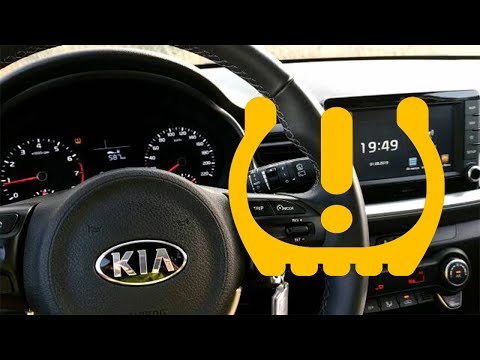
Today we will see how to reset the tire pressure light on a Kia Stonic. Before performing the reset operation, it is necessary to have resolved any t…
Other guides you may be interested in
|
How to Install Roof Bars on a Fiat 500L
Learn how to fit universal roof bars on a Fiat 500L. These bars are used on vehicles with or without roof rails. Assemble the roof bar kit (as shown in the video) with bars adjusted to the width of the vehicle (measure with a tape measure). Position the brackets at both ends of the doors on the vehicle's original roof rails. Once the anchoring bracket width is set, tighten the bolts with a butterfly nut (if a lock is present) until fully secured to the roof rails. Fit safety caps on both sides. by ScegliAuto More videos
|
|
For advertising on this site Write to info@scegliauto.com
ScegliAuto is not responsible for any inaccuracy of the data in the lists. To report any inaccuracy or your business (if you own the business in question), please write to info@scegliauto.com
Number of seconds to generate the page: 0.095
(c) ScegliAuto 2026 - info@scegliauto.com - Privacy policy VAT number: IT01247470535 |
