
|
Do it yourself
| |||
| ||||


How to use the rear occupant alert system of the Kia Niro
Model: Kia Niro
SG2
- Years 2021-2026
Let's see how the rear occupant alert system of the Kia Niro works: it is a safety system to prevent accidents, especially those involving children or animals on the rear seats. The system activates when the rear doors are opened before driving, so the car remembers that there has been an opening and that there could potentially be occupants on the rear seats. When the engine is turned off and you exit the car, the system emits an audible and visual signal to remind us to check the rear seats before walking away: the main goal is to reduce the risk of forgetting children or pets inside the vehicle.
Posted on 7 August 2025 by ScegliAuto
Video tutorial
Related tutorials
Kia Niro
(2016-2023 /
MK 1)
In this tutorial, see how to use the Cruise Control in a KIA Niro, an extremely simple and quick operation. This system should only be used on fast-m…

Kia Niro
(2016-2023 /
MK 1)
Let's see how to reset the TPMS light on a 2018 Kia Niro like the one in the video: first, check the reference label located on the driver's door and…
Kia Niro
(2016-2023 /
MK 1)
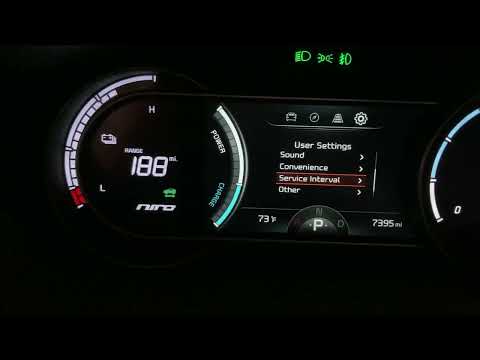
After performing the regular service on your Kia Niro, the service warning light may remain on by mistake. In this case, follow the procedure below t…
Other guides you may be interested in
|
How to Open a Stuck Boot on the Peugeot 407?
On the Peugeot 407, the boot may become stuck, possibly due to a problem with the control button or the lock actuator. In such cases, you can perform an emergency opening by following the simple procedure shown in this tutorial. First, open the rear doors, then lower the seat back by operating the release lever. Next, go inside the boot, locate the lock, and manually operate it using a flathead screwdriver. The boot will then be free to open. by ScegliAuto More videos
|
|
For advertising on this site Write to info@scegliauto.com
ScegliAuto is not responsible for any inaccuracy of the data in the lists. To report any inaccuracy or your business (if you own the business in question), please write to info@scegliauto.com
Number of seconds to generate the page: 0.421
(c) ScegliAuto 2026 - info@scegliauto.com - Privacy policy VAT number: IT01247470535 |
