
|
Do it yourself
| |||
| ||||



How to Replace a Daytime Running Light Bulb on the Kia Picanto
Model: Kia Picanto
MK 2, TA
- Years:
2011, 2012, 2013, 2014, 2015, 2016, 2017, 2018
Video tutorial
See how to change the daytime running lights on the Kia Picanto 2nd series, without removing the wheel. Turn the steering wheel towards the opposite side of the bulb to be replaced; find the two cross-shaped plastic clips on the inner wing behind the steering wheel, use a screwdriver to turn them 90° (a quarter turn) until they pop out slightly, then remove them with your fingers. Find and remove in the same way, two identical clips at the bottom of the wheel arch, near the bumper. Now gently pull the plastic cover of the wheel arch towards you, without completely detaching it, just creating enough space to get a hand through. Locate the daytime running light holder and unscrew it counter-clockwise. Unscrew the old bulb, replace it with the new one (without touching it with bare hands) and put it back in place. Refit the wheel arch cover and secure the 4 clips you removed.
Posted on 13 August 2026 by ScegliAuto
Related tutorials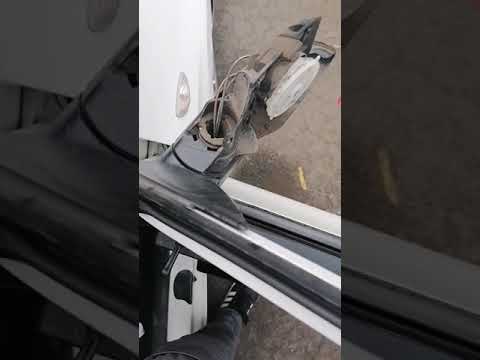
Kia Picanto
(2011-2018 /
MK 2, TA)
Before you start, open the front door of your Kia Picanto. Begin by unclipping and removing the internal cover near the wing mirror. Next, unscrew an…

Kia Picanto
(2011-2018 /
MK 2, TA)
If the orange tyre light (TPMS) illuminates on the instrument cluster of your second-generation Kia Picanto (2015), it means there is a puncture or a…

Kia Picanto
(2011-2018 /
MK 2, TA)
If you are curious about where the OBD2 port is located on your Kia Picanto second generation (2011-2018), just pay attention to the description in t…
ScegliAuto offers an extensive international collection of automotive tutorials available in 12 languages. Each guide combines instructional videos with original explanations written by experienced human editors, along with information about the car models covered.
Other guides you may be interested in
|
Resetting the Service Light on the Mitsubishi Canter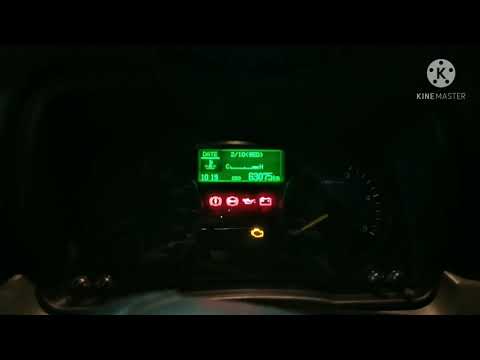
When it is necessary to change the engine oil of the Mitsubishi Canter, a warning on the dashboard alerts us to this requirement. Once this maintenance task is completed, you must reset the control system. Sit in the driver's seat and turn on the instrument panel. Without starting the engine, press and hold the accelerator pedal for twenty seconds. After this time interval, while still holding the accelerator pedal, pump the brake pedal six times. Once done, the warning on the instrument panel will turn off, confirming the reset. by ScegliAuto More videos
|
|
For advertising on this site Write to info@scegliauto.com
ScegliAuto is not responsible for any inaccuracy of the data in the lists. To report any inaccuracy or your business (if you own the business in question), please write to info@scegliauto.com
Number of seconds to generate the page: 0.062
(c) ScegliAuto 2026 - info@scegliauto.com - Privacy policy - About us VAT number: IT01247470535 |
