
|
Do it yourself
| |||
| ||||


Removal of Car Radio for iPhone Kit Installation
Model: Kia Rio
MK 2, DE
- Years:
2005, 2006, 2007, 2008, 2009, 2010, 2011
Video tutorial
Using a plastic tool to avoid damaging the bodywork, lever around the car radio's trim to disengage the plastic clips to access the console retaining screws. Remove the complete console and disconnect the necessary electrical wiring connectors to install the kit. Following the kit instructions, prepare the two cables supplied with the iPhone kit and insert them into the original connectors, connecting the other end to the kit's control unit. The control unit must be connected in series to the power cable at the audio aux input. Programme the kit's box according to the attached instructions and secure it inside the dashboard by removing the plastic cover on the passenger side. The second box with the connectors should be securely mounted, in an accessible position, to the side of the dashboard with the supplied screws. Refit the cover, passing the cables through the radio tunnel. Refit the radio by reversing the previous steps.
Updated on 8 February 2026 by ScegliAuto
Related tutorials
Kia Rio
(2000-2005 /
DC, MK 1)
It is recommended to carry out this repair only if you have good mechanical knowledge, as it requires disassembling the gearbox and installing the ki…
Kia Rio
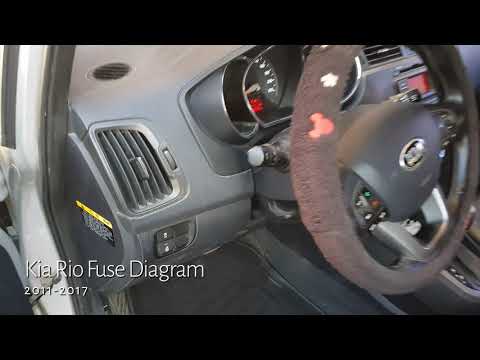
(2011-2017 /
UB, MK 3)
The fuses in the Kia Rio are located inside one of the designated fuse boxes installed in the vehicle: in this type of car, you will find two boxes t…
Kia Rio
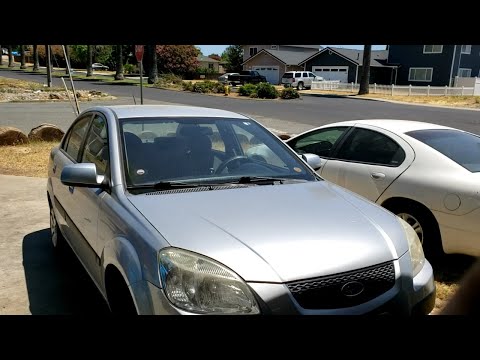
(2005-2011 /
MK 2, DE)
To replace the timing belt on the Kia Rio, open the bonnet to access the left side of the engine block. Here, you will locate the belt around the res…
Other guides you may be interested in
|
How to Reset the Tyre Light on a Toyota Aygo?
To reset the tyre light on a Toyota Aygo, start by locating the reset button, which is found in the glove compartment of the front passenger side. Turn on the car and ensure that the tyres are at the correct pressure. Then, press and hold the reset button for a few seconds until the tyre light either flashes or turns off, depending on the model. Release the button and wait for the reset procedure to complete. Restart your Toyota Aygo and check if the tyre light has turned off, indicating that the reset was successful. by ScegliAuto More videos
|
|
For advertising on this site Write to info@scegliauto.com
ScegliAuto is not responsible for any inaccuracy of the data in the lists. To report any inaccuracy or your business (if you own the business in question), please write to info@scegliauto.com
Number of seconds to generate the page: 0.029
(c) ScegliAuto 2026 - info@scegliauto.com - Privacy policy VAT number: IT01247470535 |
