
|
Do it yourself
| |||
| ||||


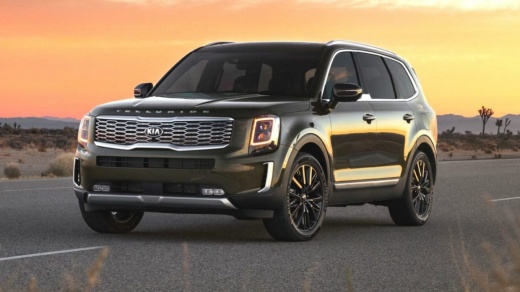
Replace the Front Kia Logo with the Updated 2022 Version on a Kia Telluride
Model: Kia Telluride
MK 1
- Years:
2019, 2020, 2021, 2022, 2023, 2024, 2025, 2026
Video tutorial
On this Kia Telluride, there was the new Kia logo on the back while the old oval logo was still on the front. Our YouTuber decided to change it - rightly so - and to match it on both the front and back, choosing the updated version. Searching on e-commerce platforms, we found a whole world: indeed, it can be found in various colors, glossy, matte, carbon fiber effect, satin, large, small. The options are overwhelming. Of course, first, you need to remove the old one. It doesn't show us how to do it, but with care, a heat gun, and a sturdy wire, we can remove the old logo. The grille is now ready for whatever we choose.
Updated on 5 June 2026 by ScegliAuto
Related tutorials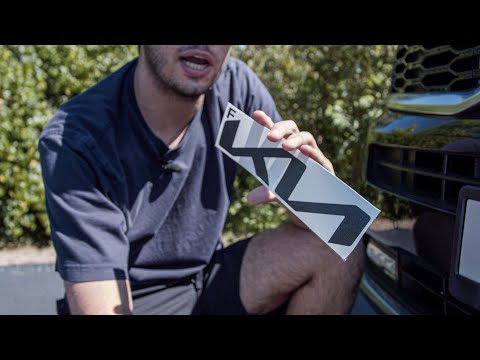
Kia Telluride
(2019-2026 /
MK 1)
Did you buy a new logo for your car but don't know how to install it correctly? The procedure shown in the video demonstrates this. Although it was p…
Kia Telluride
(2019-2026 /
MK 1)
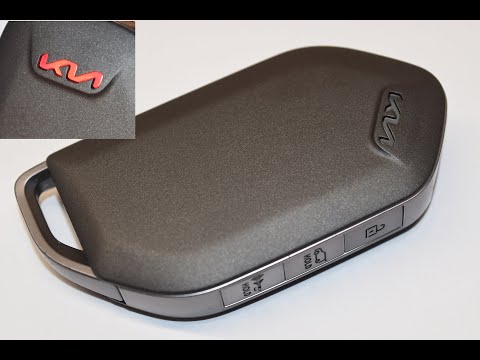
Replacing the battery inside your Kia Telluride key is one of the simplest tasks you can do on your own. With the following guide, you will be able t…

Kia Telluride
(2019-2026 /
MK 1)
In this video, you will see where the fuse boxes are located on the KIA Telluride and their respective diagrams, useful in case you need to check the…
Other guides you may be interested in
|
How to Remove the Rear Seat of a Hyundai Tucson?
To remove the rear seat of a Hyundai Tucson, follow these steps. Start by moving the front seats to their most forward position to gain space. Next, locate the release lever on the underside of the rear seat, near the floor. Press this lever down while pulling the seat upwards to unlock it from the anchor pins. Once unlocked, tilt the seat upwards and forwards to remove it from its position. Repeat this process for both sides of the rear seat. Be careful of any electrical cables or components that may be connected to the seat during removal. Once the rear seat is removed, the disassembly is complete. by ScegliAuto More videos
|
|
For advertising on this site Write to info@scegliauto.com
ScegliAuto is not responsible for any inaccuracy of the data in the lists. To report any inaccuracy or your business (if you own the business in question), please write to info@scegliauto.com
Number of seconds to generate the page: 0.013
(c) ScegliAuto 2026 - info@scegliauto.com - Privacy policy VAT number: IT01247470535 |
