
|
Do it yourself
| |||
| ||||


Model: Ktm Smc 690
To set the clock on a KTM SMC 690, turn on the dashboard and navigate through the menu using the MODE button on the left side of the dashboard. When the trip odometer appears, press and hold the MODE and SET buttons until the hours start flashing. While holding the MODE button, adjust the hours; conversely, hold the SET button to adjust the minutes. Confirm the changes by holding both buttons.
Updated on 12 September 2026 by ScegliAuto
Video tutorial
Related tutorials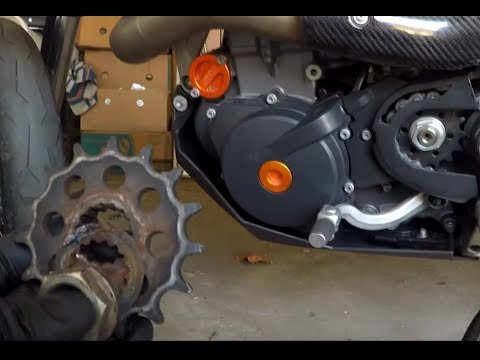
Smc 690
In today's video, we will see how to disassemble and replace the drive sprocket on a KTM SMC 690, following the instructions below. First, remove the…
Smc 690
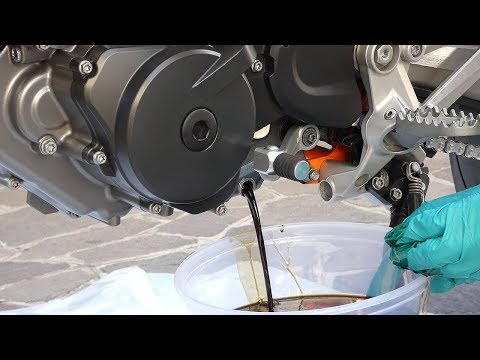
Today, you will learn how to change the engine oil while performing the regular maintenance service on a KTM SMC 690 R. First, unscrew the oil drain …
Smc 690
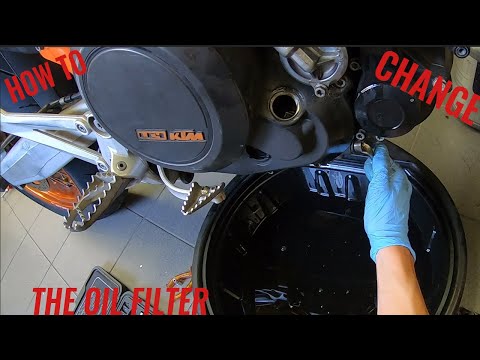
Today we will replace the engine oil and oil filter, performing the regular maintenance service on a KTM SMC R 690, following the instructions below.…
|
How to Replace the Headlight Bulbs on the KTM RC 200?
As shown in this tutorial, replacing the headlight bulbs on the KTM RC 200 is an extremely simple and quick task. First, ensure that the key is not inserted for safety. Then, approach the headlight in question, locate the bulb holder, and turn it slightly counter-clockwise. Once done, disconnect the power connector, attach the new bulb, and reassemble everything. Avoid touching the glass of the replacement bulb directly with your bare hands, as any residues could cause it to overheat. by ScegliAuto More videos
|
|
For advertising on this site Write to info@scegliauto.com
ScegliAuto is not responsible for any inaccuracy of the data in the lists. To report any inaccuracy or your business (if you own the business in question), please write to info@scegliauto.com
Number of seconds to generate the page: 0.782
(c) ScegliAuto 2026 - info@scegliauto.com - Privacy policy VAT number: IT01247470535 |
