
|
Do it yourself
| |||
| ||||


|
Model: Kymco Downtown 300i
Perform maintenance on the Kymco Downtown 300i scooter, replacing oil and engine filter. Follow this guide video for the replacement procedure. Position the scooter on a stand; using a spanner, unscrew the bolt of the oil sump (drain the fluid into a container). Unscrew the oil filter (remove the metal cover). Remove the worn oil filter kit and fit a new one (tighten the screws of the housing cap). Finally, top up the new fluid in the engine and close with the plastic cap. Test the motorcycle's functioning.
Updated on 9 March 2026 by ScegliAuto
Video tutorial
Related tutorials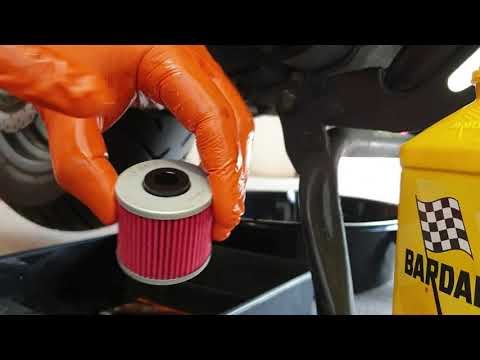
Downtown 300i
This guide shows how to replace the engine oil and oil filter on the Kymco Downtown 300i scooter, as well as the People 300i. First, position the cen…
Downtown 300i
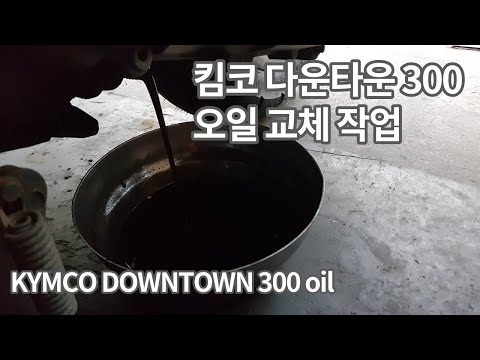
Discover the procedure for replacing the engine oil while performing the routine maintenance service on the Kymco Downtown 300i scooter. First, place…

Downtown 300i
Here we are at the moment when the service light appears on the instrument panel of our Kymco Downtown 300i scooter, which means performing scheduled…
|
How to Reset the Oil Service on the Yamaha YZF-R25?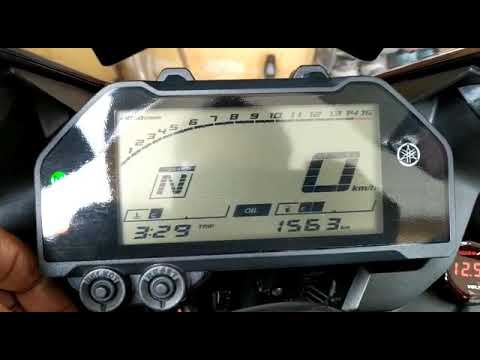
In this tutorial, see how to reset the oil service on the Yamaha YZF-R25, a very simple and quick operation. Before proceeding, ensure that all required scheduled maintenance tasks are completed. Start by inserting the key and turning on the instrument panel; it is not necessary to start the engine. Then, by repeatedly pressing the left button on the dashboard, navigate to the mileage interval labelled "OIL". Once done, press and hold the right button for about 5 seconds, or for the time necessary to reset the interval correctly. by ScegliAuto More videos
|
|
For advertising on this site Write to info@scegliauto.com
ScegliAuto is not responsible for any inaccuracy of the data in the lists. To report any inaccuracy or your business (if you own the business in question), please write to info@scegliauto.com
Number of seconds to generate the page: 0.065
(c) ScegliAuto 2026 - info@scegliauto.com - Privacy policy VAT number: IT01247470535 |
