
|
Do it yourself
| |||
| ||||


|
Model: Kymco Agility 125
In this guide for your Kymco Agility 125, discover how to manually set the time using the buttons on the central display. First, position your Agility 125 on its stand and insert the key to turn on the display. Immediately locate the mini display on the left (for time display) and hold down the lower button. At this point, press the upper button multiple times to change the hour digits. Repeat the same procedure for the minute digits, and finally, hold down the lower button again to save the changes.
Updated on 1 June 2026 by ScegliAuto
This video is currently unavailable
Related tutorials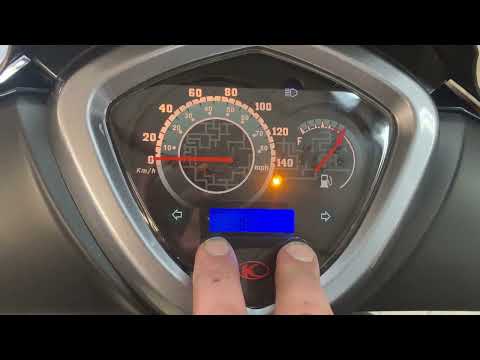
Agility 125
To set the clock on the Kymco Agility 125, press and hold the buttons located at the bottom of the instrument panel after turning the ignition key to…
Agility 125
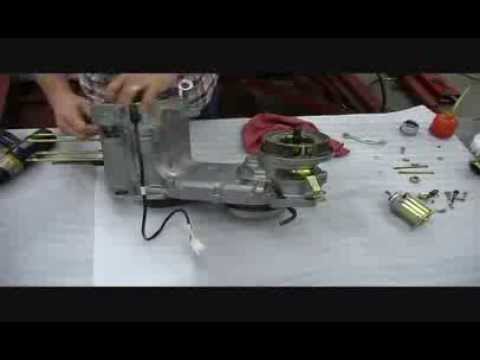
To remove the engine from a Kymco Agility 125, you need to loosen the screws that secure the mounts allowing it to be installed in its housing. Once …
Agility 125
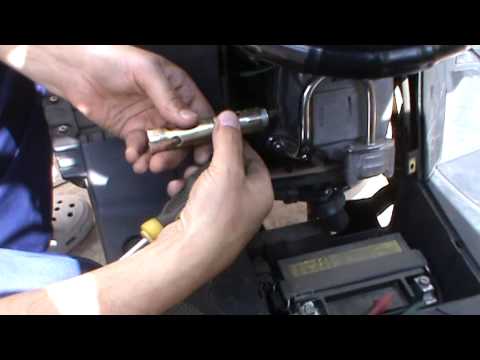
Before you start, position your Kymco Agility 125 on the centre stand. Begin by removing the floor panel fairing by unscrewing the fixing screws. Nex…
|
How to reset the oil light on the Honda SH 125
If the oil light appears on your Honda SH 125 dashboard despite having recently changed the oil, don't worry as you can resolve this minor issue with a simple manual reset procedure. First, turn on the ignition and hold down the "Info A" and "Info B" buttons located at the bottom of the left knob. At this point, press the "Info B" button multiple times until the oil change indicator starts to flash. Finally, press the "Info A" button once to perform the reset. The procedure is now complete. by ScegliAuto More videos
|
|
For advertising on this site Write to info@scegliauto.com
ScegliAuto is not responsible for any inaccuracy of the data in the lists. To report any inaccuracy or your business (if you own the business in question), please write to info@scegliauto.com
Number of seconds to generate the page: 0.006
(c) ScegliAuto 2026 - info@scegliauto.com - Privacy policy VAT number: IT01247470535 |
