
|
Do it yourself
| |||
| ||||


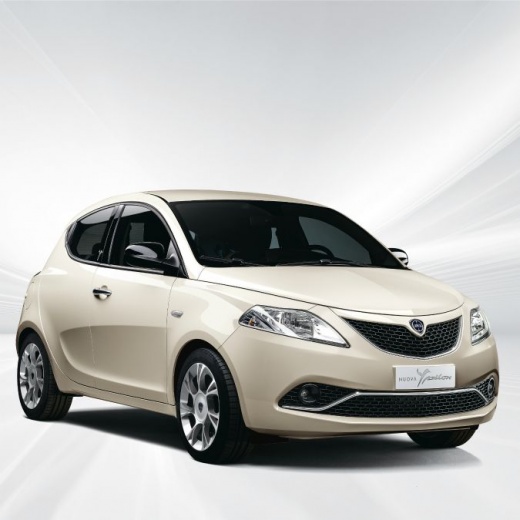
How to solve the U1733 error related to the Blu&Me control unit on a Lancia Ypsilon 0.9 CNG
Model: Lancia Ypsilon
846, Ypsilon 3, Y3, MK 3
- Years:
2011, 2012, 2013, 2014, 2015, 2016, 2017, 2018, 2019, 2020, 2021, 2022
Video tutorial
The U1733 error on the Blu&Me control unit indicates a communication problem between the vehicle modules often related to the infotainment system. In this particular car, this type of error caused an issue with the flashing kilometers. The user purchased a package for 80 euros on Ebay and sent the control unit for repair, the proxy alignment was not necessary and the user reinstalled the control unit independently after receiving the repaired unit. If you want to try to solve this type of error on the Blu&Me control unit independently, try disconnecting the battery for about ten minutes, this way you give a sort of reset to the electronics. If the problem persists, check the Blu&Me fuses as they may have blown. If that doesn't work, it could be oxidation in the control unit connectors; a spray of electrical contact cleaner can help. If all of this doesn't work, then a thorough diagnosis with an OBD tool is needed to verify if the control unit needs reprogramming or even replacement, as this user did, so contact a specialized workshop.
Posted on 25 September 2025 by ScegliAuto
Related tutorials
Lancia Ypsilon
(2011-2023 /
846, Ypsilon 3, Y3, MK 3)
Let’s see what happens when the engine light comes on in this Lancia Ypsilon with a Landi Renzo GPL system. The engine light only illuminates when th…

Lancia Ypsilon
(2011-2023 /
846, Ypsilon 3, Y3, MK 3)
The blue&me multimedia system has been developed in Lancia Ypsilon models to allow the driver to maintain safe and distraction-free driving while on …

Lancia Ypsilon
(2003-2011 /
Y2, MK 2, 843, Ypsilon 2)
In today's video, you will learn how to reset the service light for the regular oil change maintenance on a 2003 Lancia Ypsilon second series. First,…
Other guides you may be interested in
|
How to Set the Time in an Audi A4?
In this tutorial, you will see how to set the time in an Audi A4, a very simple and quick operation to perform after replacing the battery or when the time changes. First, insert the key and turn on the instrument cluster. Then, press the "SETUP" button located on the center console. Next, press the upper left arrow button, navigate to the "Time" option, and use the central knob to adjust the clock. Finally, set any necessary formats and save by returning to the main screen. by ScegliAuto More videos
|
|
For advertising on this site Write to info@scegliauto.com
ScegliAuto is not responsible for any inaccuracy of the data in the lists. To report any inaccuracy or your business (if you own the business in question), please write to info@scegliauto.com
Number of seconds to generate the page: 0.058
(c) ScegliAuto 2026 - info@scegliauto.com - Privacy policy VAT number: IT01247470535 |
