
|
Do it yourself
| |||
| ||||


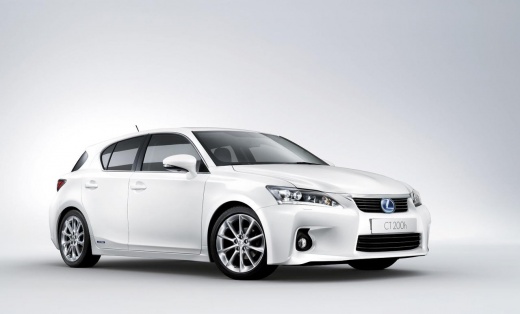
Video tutorial
In this video, we will see how to change the battery of the Lexus CT200H: first, we remove the emergency key by pulling it from the keychain side. Then, we apply pressure on the side where the brand logo is engraved in order to slide the two halves and expose the electronic part. We will see a compartment with four small screws, which we will unscrew with the help of a watchmaker's screwdriver. Underneath, we find our button battery, a common CR2032 that we can easily find at any supermarket. We close the cover with the four screws and put back the sliding cover. We reinsert the emergency key and the job is done.
Posted on 27 April 2025 by ScegliAuto
Related tutorials
Lexus CT
(2011-2022 /
Zwa10)
Replacing the remote battery of the Lexus CT200H is a straightforward and quick task. You will only need a replacement CR1632 battery. First, extract…

Lexus CT
(2011-2022 /
Zwa10)
In this video, you will learn how to restart the battery of a Lexus CT200H with a flat battery. On these vehicles, the starter battery is located in …
Lexus CT
(2011-2022 /
Zwa10)
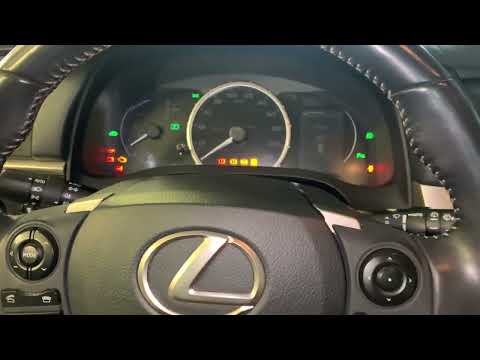
If the TPMS light (related to tyre pressure) on the instrument panel of your Lexus CT200H (2011-2022) illuminates erroneously and you want to reset i…
Other guides you may be interested in
|
How to Open the Fuel Filler Flap in the Hyundai i30?
In this tutorial, you will learn how to open the fuel filler flap in the Hyundai i30, a very simple operation that follows the typical procedure of most vehicles. First, unlock the locks using the designated button on the remote, then open the driver's door, locate the release lever on the left side of the seat, and operate it. Next, move to the fuel filler flap, open it completely, unscrew the cap, and refuel as needed. To close the flap, simply press it gently. by ScegliAuto More videos
|
|
For advertising on this site Write to info@scegliauto.com
ScegliAuto is not responsible for any inaccuracy of the data in the lists. To report any inaccuracy or your business (if you own the business in question), please write to info@scegliauto.com
Number of seconds to generate the page: 0.108
(c) ScegliAuto 2026 - info@scegliauto.com - Privacy policy VAT number: IT01247470535 |
