
|
Do it yourself
| |||
| ||||


|
Video tutorial
Changing the car remote battery is simpler than it may seem, without the need for specialist workshops. Once the key is separated, use a screwdriver to pry the back cover apart. Press the button to release the key, creating a small opening to pull out the tab, lowering it while applying some pressure to remove the battery cover. Remove the battery carefully to avoid damaging internal parts, ensuring the remote functions correctly. To close the remote, reverse the procedure.
Updated on 10 February 2026 by ScegliAuto
Related tutorials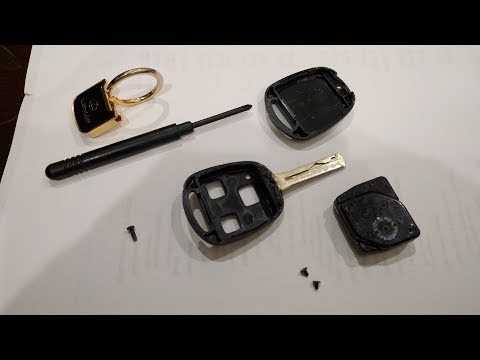
Lexus IS
(2005-2013 /
MK 2)
To replace the remote control battery on the Lexus IS 300, unscrew the small screw located immediately beneath the key. Once this screw is loosened, …

Lexus IS
(2005-2013 /
MK 2)
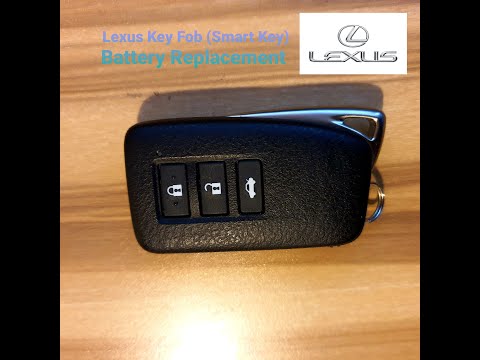
Today, follow this brief guide on how to disassemble and replace the battery of the Lexus IS key fob, using the instructions below. First, take your …
Lexus IS
(2005-2013 /
MK 2)
In this video tutorial, follow the steps to disassemble and replace the remote key battery on the Lexus IS 250 and IS 300 H. First, take your remote …
Other guides you may be interested in
|
How to Open the Fuel Filler Flap in the Hyundai i30?
In this tutorial, you will learn how to open the fuel filler flap in the Hyundai i30, a very simple operation that follows the typical procedure of most vehicles. First, unlock the locks using the designated button on the remote, then open the driver's door, locate the release lever on the left side of the seat, and operate it. Next, move to the fuel filler flap, open it completely, unscrew the cap, and refuel as needed. To close the flap, simply press it gently. by ScegliAuto More videos
|
|
For advertising on this site Write to info@scegliauto.com
ScegliAuto is not responsible for any inaccuracy of the data in the lists. To report any inaccuracy or your business (if you own the business in question), please write to info@scegliauto.com
Number of seconds to generate the page: 0.109
(c) ScegliAuto 2026 - info@scegliauto.com - Privacy policy VAT number: IT01247470535 |
