
|
Do it yourself
| |||
| ||||


How to Replace the Key Battery on a Lexus RX Mk2
To correctly replace the battery inside your Lexus RX Mk2 key (2003-2008), follow these steps. First, locate the small button on the key cover and press it to easily remove the physical emergency key inside. Next, completely remove the rear cover and proceed to replace the old battery with a new one. Finally, reattach the cover you removed earlier and insert the emergency key back inside.
Updated on 8 August 2026 by ScegliAuto
Video tutorial
Related tutorials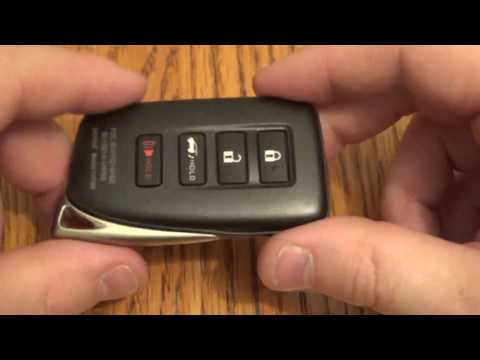
Lexus RX
(2008-2015 /
MK 3, Al10)
In this short guide, you will learn how to disassemble and replace the battery of the key fob for a Lexus RX 450, as well as other models from the ma…

Lexus RX
(2016-2022 /
MK 4, Al20)
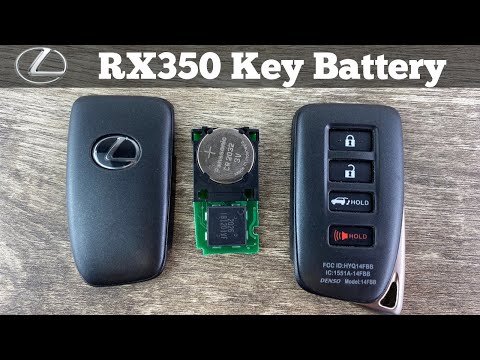
When the Lexus RX remote control stops working, it is necessary to replace the battery; the model of battery to purchase is CR 2032. To begin the rep…
Lexus RX
(2016-2022 /
MK 4, Al20)
Today, you will see step-by-step instructions for disassembling and replacing the battery in the key remote for the Lexus RX, from 2016 to 2021. Firs…
Other guides you may be interested in
|
How to reset the tyre pressure warning light on the Suzuki Jimny?
To reset the tyre pressure warning light on the Suzuki Jimny, first inflate the tyres to the pressure value indicated on the corresponding sticker: this is located at the bottom of the driver's door pillar. Once the tyres are inflated, insert the ignition key and turn on the instrument panel: select the screen that indicates the tyre pressures, checking that the values change. After a few seconds, the tyre pressure warning light will automatically turn off. by ScegliAuto More videos
|
|
For advertising on this site Write to info@scegliauto.com
ScegliAuto is not responsible for any inaccuracy of the data in the lists. To report any inaccuracy or your business (if you own the business in question), please write to info@scegliauto.com
Number of seconds to generate the page: 0.486
(c) ScegliAuto 2026 - info@scegliauto.com - Privacy policy VAT number: IT01247470535 |
